
A Visa card that spends straight from stablecoins — cheap to hold, thin on the details
 Available in US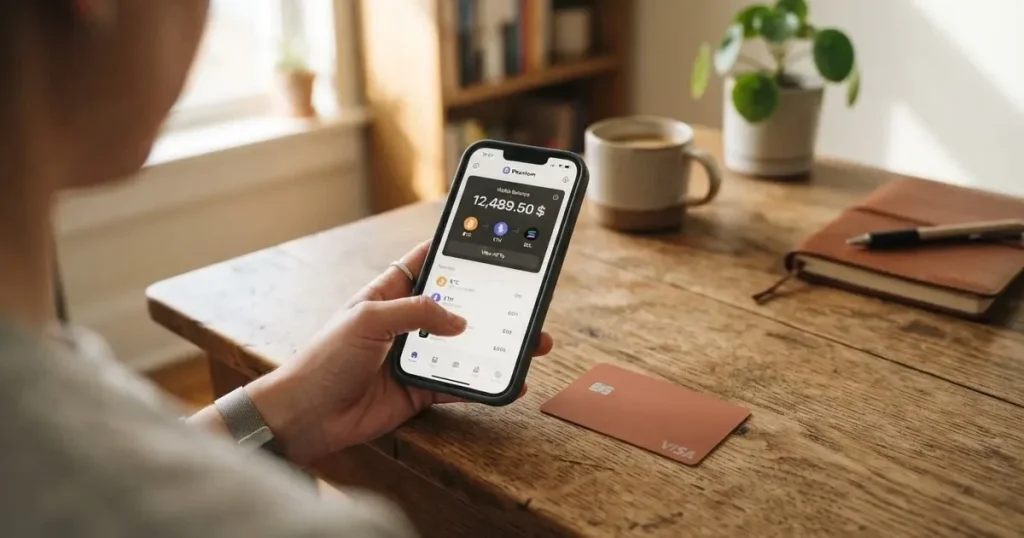
If you have been searching for a way to pay with crypto without jumping through hoops at a traditional bank, the BloFin Wallet card is probably on your list. It is a Visa Platinum card issued through Rain, with a self-custody wallet created before the card application and a spend fee that starts at 1% and falls to zero if you climb the tiers. On paper it sounds like the answer for anyone holding USDT or USDC.
It partly is. But as I went through the card’s own pages, the same gaps kept showing up — the country list is not published, the currency is not stated, ATM access is not stated, and the Visa exchange rate fee is not disclosed. So the picture is a card with genuinely attractive baseline costs and a thin layer of published detail. This review walks through what is confirmed, what is not, and whether it fits your situation.
The conditions described are current as of October 28, 2026.
Verdict: a solid all-rounder with caveats
My score for the BloFin Wallet card is 6.9 / 10. It earns its points on cost — the issuance, activation, annual and dormancy fees are all $0.00 — and on a straightforward top-up story. It loses points on the everyday-use details it simply does not publish, and on reliability signals that are hard to fully trust yet.
Who it suits: self-custody wallet holders who already hold USDT or USDC on Arbitrum or Base and want to spend that balance at ordinary merchants. The card’s free, USDT/USDC-only top-up on two major networks is a clean fit for that person.
Who it does not suit: anyone who needs a card with clearly published limits, an ATM, or a disclosed foreign-exchange fee; anyone outside the supported regions whose identity the app will not accept; and anyone who wants a card from a fully licensed European provider with published licence numbers. Those are the areas where this card is quiet, and quiet is not the same as permissive.
Here is how the score breaks down, criterion by criterion, exactly as I assessed it:
| Criterion | Mark | Short reason |
|---|---|---|
| Who can get it | 7 / 10 | Starting data lists 35 countries (US, Australia, Japan, UAE, Brazil, Mexico) but it is not re-confirmed; region is chosen inside the app |
| Cost | 8 / 10 | Issuance, activation, annual and dormancy fees are $0.00; spend fee 1.00% at VIP 0 down to 0.00% at VIP 5; FX fee not disclosed |
| Top-up options | 7 / 10 | USDT and USDC on Arbitrum and Base, free to top up |
| Reliability and complaints | 6 / 10 | Issuer is Rain, a Visa Principal Member (per FAQ, unverified); no card complaints found; unofficial: BloFin exchange is 1.3/5 on Trustpilot |
| Everyday use | 6 / 10 | Apple Pay and Google Pay are present; virtual vs plastic and ATM access are not disclosed |
| Total | 6.9 / 10 | A good cost profile wrapped in a lot of unpublished detail |
Who can get the BloFin Wallet card?
Straight answer: the card’s public pages do not publish a country list. All the public page says is that in the app you “select your country or region”. So the honest answer to “am I eligible?” is that you find out by opening the app and selecting your region — not by reading a list beforehand.
Our starting data points to 35 supported countries, including the United States, Australia, Japan, the UAE, Brazil, Mexico, Malaysia and New Zealand. That list is a starting point, not something re-confirmed for this review, so treat it as indicative rather than definitive. More importantly, the card page does not say whether eligibility follows your citizenship or your country of residence, and that distinction matters more here than for an ordinary bank card. You should assume the answer will hinge on your identity document and where you live, both of which the app will look at.
Two things to keep in mind as you check. First, some providers apply screening to citizenship and country of birth in addition to your address, so being a resident of a supported country may not be enough if your passport is from somewhere else. Second, if you are turned down, the card page does not describe an appeal process.
How to apply for the card
Applying is short and mostly happens in the app. Here is the sequence the card sets out:
- Create your wallet first — this is the self-custody step, and it comes before the card application.
- Select your country or region in the app.
- Submit your card application.
- Complete the ID check, where required — the card describes this as an in-app check that takes “a few minutes”.
- Receive your card.
The card quotes approval as fast as 10 minutes, so the wait itself is short. The document side is where the card is quiet: which documents count, whether proof of address is required, and the minimum age are all not stated on the public pages. What is stated is that the ID check applies “where required”, which tells you it is not applied identically everywhere, and it does not describe any tiered or higher verification level for the card.
The card itself is described as the “BloFin Wallet Visa Platinum card” — a Visa product. Whether it arrives virtual or physical is not stated, and neither is the currency it is denominated in. Delivery timing is also not stated. So when you are choosing this card, know that the physical/virtual and currency questions are ones you may only get answered inside the app.
Fees and costs: genuinely cheap to hold, paid on spend
This is where the BloFin Wallet card earns most of its marks. The card carries no fee for issuance, no activation fee, no annual fee and no dormancy fee, each listed at $0.00, and there is no fee to cancel. What you pay is a spend fee at the point of payment, set by your VIP tier.
The spend fee is the number to internalise, because it is the one recurring cost. At VIP 0 it is 1.00%; it steps down through the tiers (VIP 1 0.90%, VIP 2 0.80%, VIP 3 0.50%, VIP 4 0.20%) until at VIP 5 it is 0.00%. The fee is charged at the moment of payment.
| Fee or limit | Value |
|---|---|
| Issuance fee | $0.00 |
| Activation fee | $0.00 |
| Annual fee | $0.00 |
| Dormancy fee | $0.00 |
| Cancellation fee | none |
| Spend fee at payment | 1% or lower, by VIP tier (VIP 0 1.00% → VIP 5 0.00%) |
| Foreign-exchange fee | not stated |
| ATM fee | not stated |
| Card currency | not stated |
Two limits and quotas round out the picture. The card’s own FAQ says there is “no fixed spending limit”. Separately, reduced-fee monthly quotas reset on the 1st: VIP 1 $2,000, VIP 2 $2,500, VIP 3 $10,000, VIP 4 $12,500, VIP 5 $20,000. Tiers themselves run VIP 0 to 5 and are set by your prior-month card spend; the maximum monthly saving is $2 / $5 / $50 / $100 / $200 for VIP 1 to 5. Linking a BloFin Exchange account applies whichever tier is higher.
Now the honest part — two fees you would want before opening this card are simply not published. There is no foreign-exchange rate disclosed, and there is no ATM fee disclosed, and no card currency named. On a card you will mostly use abroad, an undisclosed FX fee is the item that can quietly dominate your cost, because Visa’s own exchange rate will apply on top of whatever the network charges. I would not treat the 0%-to-1% spend fee as your total cost of a purchase abroad until you have seen the FX number yourself.
Let me make the spend fee concrete across three everyday payments, because that is where it either matters or does not:
- A €20 supermarket shop on a local stablecoin. This is the card’s best case. No currency conversion is involved, so you are paying essentially the 1.00% VIP 0 spend fee and nothing else.
- A €30 online subscription billed in USD while you hold euros. Here the path is: spend fee (1.00% at VIP 0) plus whatever Visa’s exchange rate costs you, which the card does not disclose. This is the payment most likely to surprise you.
- A withdrawal from a cash machine abroad. This is the payment the card tells you least about. The spend fee still applies, and on top of it sit an undisclosed FX rate and an undisclosed ATM fee — two unknowns stacked on each other.
The pattern to notice: the card is cheapest when you spend the balance you loaded in the currency it holds, and least predictable when the merchant’s currency differs from that balance. Because the card currency and FX fee are not stated, you cannot fully price that difference in advance from the public pages.
How to top up the card
Top-up is the part of this card that is genuinely well specified, and it is also the part that tells you what kind of user it was built for. You top up with USDT and USDC, on the Arbitrum and Base networks. Topping up is free. There is no account fee layered on the deposit itself.
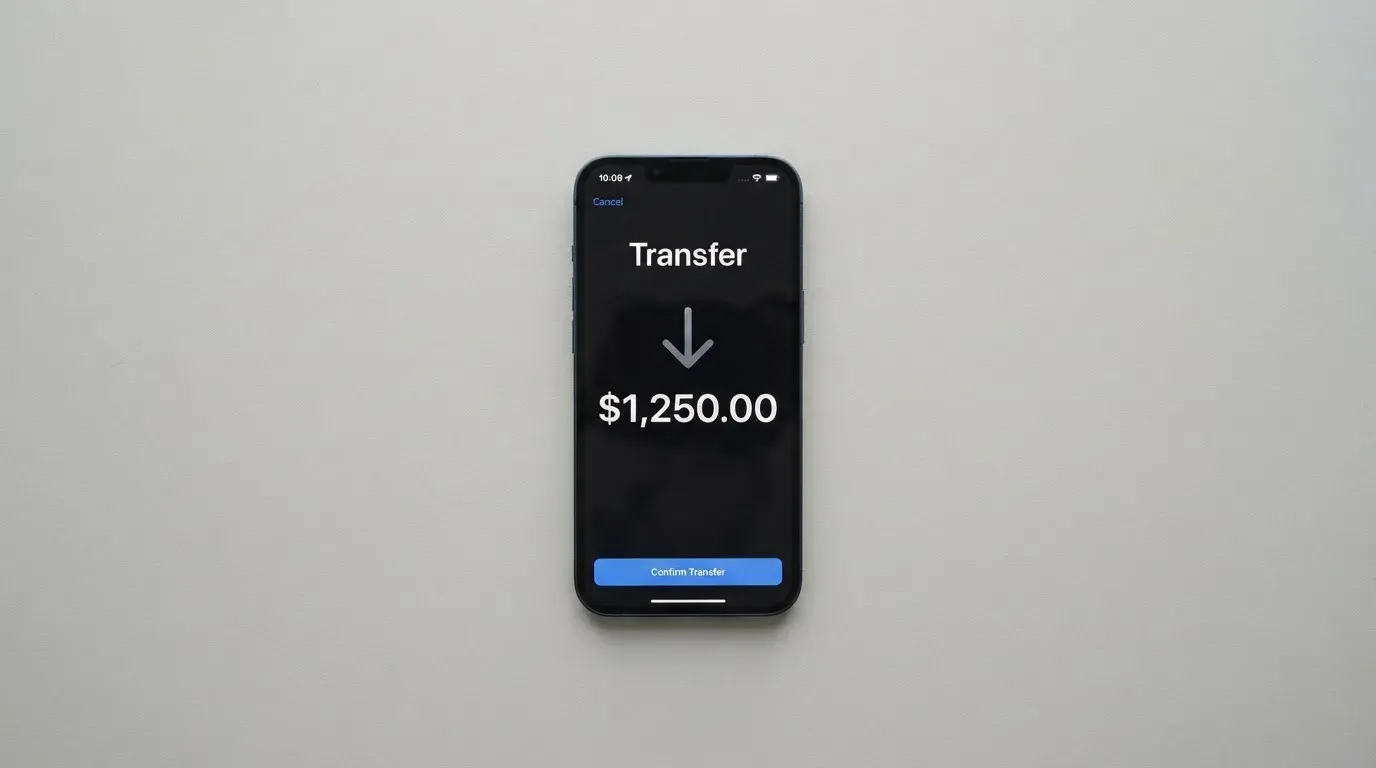
So the funding loop is: acquire USDT or USDC, have it on Arbitrum or Base, send it to the card’s address, and the balance is available to spend through the spend fee schedule above. For someone already holding those two stablecoins on those two networks, this is about as frictionless as it gets.
Where the card is less forthcoming is at the edges of that loop. Who pays the on-chain network fee — you or the provider — is not stated, as is the minimum top-up amount. Whether you can top up with fiat directly is also not stated; on the public pages the top-up path is the stablecoins, not a bank transfer. And in one respect the card is explicit in the opposite direction: per the card FAQ, withdrawals are currently unavailable. That is worth sitting with. The card is built for spending the balance you load, and right now it does not present a route to move funds back out.
One practical warning about the network choice: a deposit sent on a network the card provider does not support, or to an address belonging to another network, can be lost or need manual recovery with no guarantee, because blockchain transfers are irreversible. Arbitrum and Base are the supported networks here — double-check before you press send, and remember that if you hold the wrong token, a wallet full of USDT but no ETH cannot send on an Ethereum-style network.
Paying with the card day to day
For the mobile-wallet question specifically: Apple Pay is supported on the card page, and the launch press release names both Apple Pay and Google Pay. So in practice you can add the card to your phone’s wallet and pay by NFC or in-app, which is the most convenient route for most spending. When you add it to Apple Wallet, the card number is replaced on-device by a device-specific token stored in the Secure Element, and each payment carries a one-time dynamic code — so the card number itself is not sitting in a form you have to retype every time.
Beyond mobile wallets, the everyday picture is one of published basics and unpublished detail. The card is Visa Platinum, accepted wherever Visa is accepted — though some merchants decline prepaid or foreign-issued card numbers because the BIN lookup reveals the card type and issuer country, and a card issued in one country can read as “foreign” in another. Which merchant categories are blocked on this card is not stated. Whether you can tap it in a physical terminal, or only pay contactless through your phone, ties back to the virtual-versus-physical question the card does not answer.
There is no cashback and no rebates. That is a deliberate design choice, in the card’s own framing — instead of waiting for cashback, you get the reduced spend rate applied immediately. Whether that model suits you is a matter of taste: if you prefer money back at the end of the month, this card will not do it; if you would rather the discount be visible at the transaction, it might.
Two more everyday notes. Online payments may trigger a 3-D Secure check (Visa Secure), where the issuer decides frictionlessly or challenges you with a one-time code. And a declined authorisation can leave a hold on your funds for several days — typically up to seven — which is worth remembering if a large payment is refused. The app is available on Google Play, as an APK download and on the App Store.
What can go wrong
I looked for trouble around this card and found surprisingly little, which is itself worth interpreting carefully rather than treating as a clean bill of health.
On the card specifically, no official incidents came to light and no card-specific user complaints surfaced; there is not even a Trustpilot page for BloFin Wallet. That silence can mean “no problems yet”, but it can also simply mean the card is young. The parent exchange tells a different story: unofficial, from a restricted-countries review site, the BloFin exchange is rated 1.3 out of 5 on Trustpilot from 68 reviews (a snapshot dated July 2025), with recurring themes around customer service and the handling of funds. That is a user report about the exchange, not the card, and it is not confirmed by the card — but the exchange is the same brand, so I would read it as a signal about support culture rather than about this product.
On the corporate side, the operating name is “BloFin Wallet”, with a launch press release dated Road Town, Virgin Islands, and the issuer is Rain, a Visa Principal Member. Licences are not stated. Unofficial, and worth knowing if you are weighing counterparty risk: the BloFin exchange reportedly operates through BuildLight Future Limited in the Marshall Islands, and a wiki profile lists the Cayman Islands as the headquarters of BloFin Wallet. Neither is confirmed by the card.
The self-custody design cuts both ways, and this is the trade-off I would think hardest about. Because your funds stay in your own wallet, you hold sole responsibility for key loss, phishing, and clipboard-hijacking malware that swaps copied addresses. A seed phrase — typically 12 to 24 words — is an unencrypted form of your private key, and anyone who obtains it can restore the wallet and spend from it, with no built-in recovery because the network cannot freeze or return funds. On top of that, the card applies deposited assets as collateral for a credit line, which links your on-chain balance to this card product more tightly than a plain prepaid card would.
Finally, the mechanics of programme risk are worth keeping in view for any crypto card, not just this one. Visa and Mastercard do not issue crypto cards to consumers themselves — they license issuers and can suspend a programme. It has happened: Visa terminated its agreements with FTX in November 2022 and the FTX US debit card was wound down, and WaveCrest, a Visa issuer that supplied several crypto card brands, was suspended by Visa in Europe in 2018, closing all its Visa programmes. When such closures happen, the pattern is a notice period, then loading and spending stop, then users are asked to withdraw remaining balances. So the bigger structural risk on any card here is not fraud on your payment, it is the programme disappearing and your balance being stranded while you sort it out.
I also want to note two support-related gaps. No support channels are listed on the card page, and the process for disputes on a specific card is not stated — so I cannot tell you how quickly a chargeback would move if you needed one. For your own protection, remember that prepaid-card coverage varies by jurisdiction and should not be assumed.
What to take instead
If any of the above gaps are the dealbreaker for you, these are the alternatives I looked at, each scored on the same scale.
Decaf — 6.2 / 10
Decaf is the most transparent of the alternatives on eligibility. It publishes an explicit restricted list: not issued in Belarus, China, North Korea, India, Iran, Iraq, Israel, Myanmar, Nepal, Russia, Syria, Turkey, Cuba, Ukraine, Venezuela, Vietnam, Nicaragua, Puerto Rico or Nigeria, and restricted US states are Arizona, Delaware, Georgia, Idaho, Louisiana, Maryland, Montana, Ohio, Oregon, Rhode Island and Washington, Wisconsin. Whether the rule runs on citizenship or residence is not stated. On cost, Decaf charges an activation fee of $5 worldwide for the virtual card, $10 (US only) or $90 (rest of world) for a physical card with tracked delivery, and no annual or monthly fee. Its standout claim is FX: Decaf adds no fee of its own, so the FX is the one Visa offers. Top-ups can be paid by card, bank transfer or USDC, the app runs on Solana and Stellar, and the sample balance is shown in USDC — though which coins and networks top up the card itself is not stated, as is any rewards scheme.
SafePal — 6.2 / 10
SafePal is the broadest on funding. It describes eligibility as “citizens of supported regions who live in supported areas” — though the regions page was empty when we fetched it, which is a caveat in itself. The card is a virtual Mastercard debit; physical is not stated, and spending limits are given in EUR against a Swiss Fiat24 account. There are no account creation or management fees, though card issuance is not stated. The cost model is the mixed part: standard top-up fee 0%, but 1% FX fee on Mastercard non-USD settlement, a refund processing fee of 1 USD/EUR/CHF/7 CNH, swaps that include an unquantified spread, and elsewhere a claim that crypto top-up runs “as low as 0.4%” on the top tier. On the plus side, you can fund from 40+ blockchains, converted to USDC (default) or fiat, with transactions on Arbitrum. No cashback, but referral commissions of up to 40% of referred top-up fees and tier privileges tied to deposits, referrals and SFP staking.
Avici — 6.1 / 10
Avici is the one that speaks most in perks. Eligibility is not stated at all. It is a Visa product with secured credit-card wording, offering virtual cards by category — subscriptions, groceries, travel — plus a physical card delivered. On fees, it advertises “No Hidden Fee” and “No Gas Fee, No Interchange Fee”, but attaches no amounts to those claims and publishes no conversion or FX percentages. You deposit crypto to Avici and top up the card with crypto; which coins and networks are not listed, though “withdraw funds anytime” is promised. Rewards come as perks rather than cashback — airline miles, rental car insurance, travel and restaurant perks, trip protection, and an “Avenue to TradeFI rewards” — with no cashback rate stated.
Here is the comparison at a glance:
| Card | Score | Card type | Stated issuance/activation | Stated FX fee | Top-up |
|---|---|---|---|---|---|
| BloFin Wallet | 6.9 / 10 | Visa Platinum; virtual/physical not stated | $0.00 issuance, activation, annual, dormancy | not stated | USDT/USDC on Arbitrum and Base, free |
| Decaf | 6.2 / 10 | Visa, virtual or physical | $5 virtual; $10 (US) or $90 physical; no annual fee | Decaf adds none; Visa rate applies | Card, bank transfer or USDC; Solana and Stellar |
| SafePal | 6.2 / 10 | Virtual Mastercard debit | no account/management fees; issuance not stated | 1% on non-USD Mastercard settlement | 40+ blockchains to USDC or fiat |
| Avici | 6.1 / 10 | Visa; virtual by category + physical | “no amounts stated” | not stated | Crypto to Avici, coins/networks not listed |
Read that table with one caution: “not stated” is not the same as “none”, and “no hidden fee” is a slogan rather than a number. If a figure decides it for you, ask each provider directly before you commit.
Who I would recommend it to
I would point this card at a specific person: someone who already runs a self-custody wallet, already holds USDT or USDC on Arbitrum or Base, wants to spend that balance at everyday merchants, and is comfortable with a 1% fee at the top tier that shrinks toward zero as their own spending grows. For that person, the zero issuance and annual fees, the free stablecoin top-up on two major networks, and Apple Pay support make this a genuinely good fit — the cost profile is among the better ones I saw, and the app-only flow with approvals in as little as 10 minutes suits someone who wants to move quickly.
I would hold it back from three kinds of reader. If you need to know your foreign-exchange cost before you spend — because you live and spend across currencies — the undisclosed FX fee is a real gap, and I would not sign up on the assumption it is small. If you want to withdraw money from the card, the card’s own FAQ currently says withdrawals are unavailable, so it does not serve as a general-purpose card. And if you are nervous about holding keys or about young programmes with unstated licences and thin support channels, this card asks you to accept exactly that, and there are alternatives above that publish more.
My own bar for switching: I would want the card to publish its country list, its FX fee and its ATM fee, and to open withdrawals. Until it does, this is a spend card for stablecoin you already hold — good at that job, quiet about the rest.
Frequently asked questions
What is the BloFin Wallet card?
The BloFin Wallet card is a Visa Platinum payment card that spends from a crypto balance rather than from a bank account. You create a self-custody wallet first, apply for the card in the app, and then top it up with USDT or USDC on the Arbitrum or Base networks. Payments are charged a spend fee set by your VIP tier, running from 1.00% at VIP 0 down to 0.00% at VIP 5.
Does the BloFin Wallet card require KYC?
The card describes an in-app ID check that applies “where required” and takes a few minutes, with approval quoted as fast as 10 minutes. The public pages do not say which documents count, whether proof of address is needed, or the minimum age, and they describe no higher verification tier for the card specifically. What you will need in practice is decided inside the app rather than in advance.
Is BloFin Wallet a bank?
No — it presents itself as a card programme, not a bank account. The operating name is “BloFin Wallet”, and the issuer is Rain, a Visa Principal Member. Licences are not stated on the public pages, so I cannot confirm which regulatory licences sit behind the product. Treat it as a card programme with an issuer, not as a deposit-taking bank.
How do I top up the BloFin Wallet card?
You top up with USDT or USDC, on either the Arbitrum or Base network, and the top-up itself is free. What the card does not state is who pays the on-chain network fee, the minimum top-up amount, or whether a direct fiat top-up is possible. Check the network carefully before sending — a transfer on an unsupported network or to another network’s address can be lost.
How much does the BloFin Wallet card cost?
Issuance, activation, annual and dormancy fees are each $0.00, and there is no cancellation fee. What you pay is the spend fee at payment: 1.00% at VIP 0, stepping down through the tiers to 0.00% at VIP 5. The foreign-exchange fee and the ATM fee are not stated, so the true cost of spending abroad or withdrawing cash cannot be priced from the public pages.
Can I use the BloFin Wallet card in Apple Wallet and Google Pay?
Yes. Apple Pay is listed as supported on the card page, and the launch press release names both Apple Pay and Google Pay. Adding the card to your phone replaces the card number on-device with a device-specific token in the Secure Element, and each payment uses a one-time code. Because the card does not state whether it is virtual or physical, check what your app actually issues before relying on a physical terminal.
Can I withdraw money from the BloFin Wallet card?
Not currently, per the card’s own FAQ — withdrawals are stated to be unavailable. That makes this a spend card rather than a general-purpose card for moving money. If you need to convert or cash out regularly, this is a significant limitation and you should weigh one of the alternatives instead.
Is the BloFin Wallet card safe and worth it?
The card is worth it if you already hold USDT or USDC on Arbitrum or Base and want to spend them cheaply — the zero fees and free top-up are real advantages. Weigh it carefully if you rely on undisclosed costs: the FX and ATM fees are not published, withdrawals are unavailable, licences are not stated, and no support channels are listed. The self-custody design also means key loss is unrecoverable.
Who owns BloFin Wallet, and what is the issuer?
The operating name is “BloFin Wallet”, with a launch press release dated Road Town, Virgin Islands, and the issuer is Rain, described as a Visa Principal Member. Unofficial sources, not confirmed by the card, report the BloFin exchange operating through BuildLight Future Limited in the Marshall Islands, and a wiki profile listing the Cayman Islands as BloFin Wallet’s headquarters. Treat the corporate picture as partially confirmed.
Is the BloFin Wallet card available in my country?
The card does not publish a country list; its page only says to “select your country or region” in the app. Our starting data points to 35 supported countries including the US, Australia, Japan, the UAE, Brazil, Mexico, Malaysia and New Zealand, but that is indicative and not re-confirmed. The pages do not say whether eligibility follows citizenship or residence, so the app’s response is the only reliable answer.
Wallet-linked cards – cryptocardselect
Content created by the «cryptocardselect» team