
A virtual, no-KYC crypto card with no named issuer and a 4.2/10 score
 Available in US
If you have trouble getting an ordinary bank card — because of where you live, what documents you hold, or what your bank thinks of your income — the CardUpNow virtual card advertises a way around that: register with an email, get a Visa or Mastercard number, and spend a crypto balance. On paper that is exactly what a lot of people say they want. The conditions and figures described here are current as of October 28, 2026.
I spent this review reading the company’s public pages closely and weighing them against the pattern of complaints and the way crypto cards work in general. My honest conclusion is that the product answers a real need in the most minimal way possible, and that minimalism is also its main weakness: there is a $50 activation charge, a 5% fee on almost every movement of money, no physical card, no named legal entity or issuer, and a Trustpilot page where 79% of ratings are a single star. Read on before you decide, because the fee schedule and the missing-company-details issue are the two things that matter most.
Verdict: 4.2 out of 10 — a real need, served thinly, with real risk
The CardUpNow card scores 4.2 out of 10 overall. That is not a rounding error; it is the honest sum of a product that is easy to start and cheap to try in one respect, and expensive and uncertain in almost every other. It suits people who want a no-KYC virtual card with just an email, who only need it for occasional online or subscription payments, and who understand that the money they load is held by a company that does not name its bank or issuer. It does not suit anyone planning to use it as a primary card, anyone who needs a physical card for in-person spending, anyone sensitive to fees, and anyone who wants the protections — chargebacks, deposit-style security, a named regulated issuer — that come from a licensed bank.
Here is how the score breaks down, criterion by criterion.
| Criterion | Mark | Short reason |
|---|---|---|
| Who can get it | 8 / 10 | Worldwide with no country list; UK and India named; non-residents allowed; use in sanctioned countries is prohibited. |
| Cost | 1 / 10 | $50 activation, 5% card issuance, 5% top-up, 5% withdrawal — fees stack up fast. |
| Top-up options | 6 / 10 | Bitcoin, Ethereum, USDT and “other major coins”; the specific networks are not named. |
| Reliability and complaints | 2 / 10 | Legal entity and issuer not named; on Trustpilot 79% of ratings are one star, over frozen cards and unreturned funds. |
| Everyday use | 4 / 10 | Only virtual Visa and Mastercard; Apple Pay and Google Pay for Visa; no ATM. |
| Total | 4.2 / 10 | Easy to start, expensive to run, and thin on trust. |
Two words to weigh as you read the rest. The first is *prepaid*. This is not a bank debit card drawing on your current account; it spends a balance you have loaded in advance. The second is *custodial*: the crypto you send is held by the provider, not by you, so you are trusting a company whose issuer and legal entity are not named anywhere on the public pages. Neither of those things is unusual in this category, but together they set the ceiling on what this card can promise you.
Will they give you the card
The short answer on eligibility is as simple as it gets: yes, in almost any country you can name, and the card is open to non-residents too. The card is offered worldwide with no published list of countries. The UK and India are named as markets. Use in sanctioned countries, or with sanctioned entities, is prohibited — that is a rule you must honour, not one you should look for a way around. Non-residents are allowed. You must be 18 or older.
For a reader standing in, say, a country where opening a local bank account is slow, remote or refused, this openness is the real draw. There is no country list to check against, no invitation, no waiting list. If you can reach a website and send crypto, in principle the card is available to you. What the card does *not* publish is the level of verification attached to each account (officially not stated), so you cannot tell in advance which tier you will land on or what that tier will let you spend.
One important word of caution about how the page presents itself: the marketing describes the no-KYC experience as applying “for eligible plans” and “where allowed by law.” In other words, the company itself reserves the right to require verification in some circumstances. That is a normal hedge, but it means the frictionless path is the default rather than a guarantee.
How to get it
The signup story is short, which is the appeal: you register with an email and a password — no ID, no phone number, no social security number. There is no identity document step in the default flow. The catch, stated plainly on the same pages, is that higher limits and business accounts may require verification even though the basic experience does not. And in the EU and the UK, anti-money-laundering rules mean a regulated business is obliged to identify its customers; the ability to open without documents reflects the fact that you are loading a small prepaid balance, not that verification does not exist in the world.
What you get is a virtual card only — there is no physical card. You can choose a virtual Visa or a virtual Mastercard, either single-use or reloadable. There is also a higher tier called CardUp Elite, which is described as “free with $300 top-up” and adds zero reload and transaction fees, higher limits and premium support. After you pay, card details are expected within about 15 minutes, delivered to your account rather than posted to you.
So the practical sequence is: sign up with email and password, pick Visa or Mastercard and single-use or reloadable, pay, and read your card number in the web app. Nothing is shipped. Nothing physical exists. If you were hoping for a card you could hand over in a shop, this is not that.
What it really costs: Fees
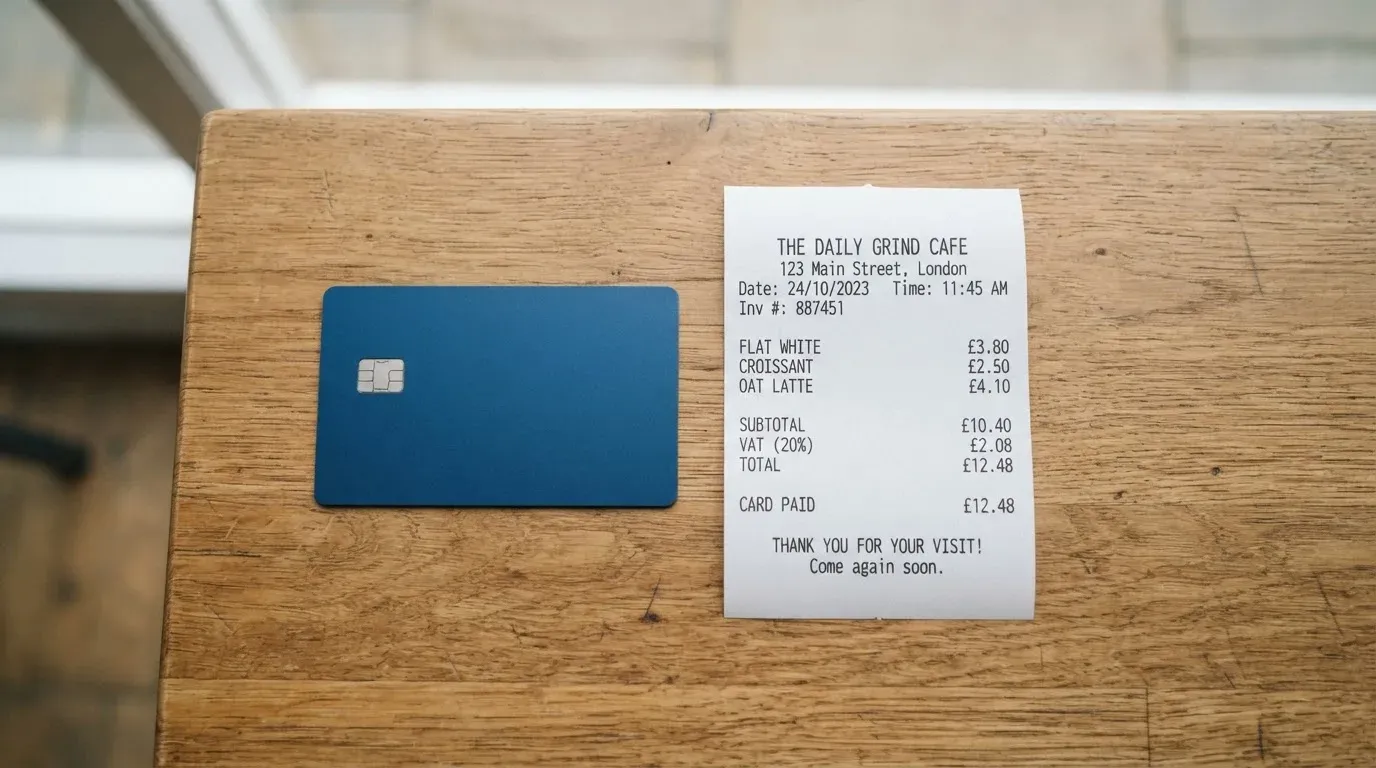
This is where the CardUpNow card is weakest, and it scores just 1 out of 10 for cost. There is a $50 one-time account activation fee, and it is non-refundable. Beyond that, a 5% fee applies to card issuance — so issuing a card costs you five percent of the card amount — and the Elite tier is only “free” if you top up at least $300. On the money side, there is a 5% deposit fee on top-ups and a 5% withdrawal fee on wallet withdrawals. Then the small print: a declined transaction costs $0.40, a payment under $30 carries an extra $0.40, and overusing refunds costs $0.50 or 2%. The foreign-exchange fee is not stated, and “international currencies” are claimed without listing any.
| Fee or limit | Amount |
|---|---|
| Account activation (one-time, non-refundable) | $50 |
| Card issuance | 5% of card amount |
| Elite tier | Free with $300 top-up |
| Deposit (top-up) fee | 5% |
| Withdrawal fee | 5% |
| Declined transaction | $0.40 |
| Payment under $30 | Extra $0.40 |
| Refund overuse | $0.50 or 2% |
| Foreign-exchange fee | Not stated |
| ATM | Not stated (virtual card) |
| Published spending caps | None published; user can set limits per card; Elite has higher limits (amount not given) |
Let me walk three ordinary payments through this, because abstract percentages hide how quickly they bite.
Payment one: a $12 monthly subscription. The payment itself is under $30, so it carries the extra $0.40 on top of whatever the conversion costs. Add the 5% top-up fee you paid when you loaded the balance, and the $50 activation you already paid once. A $12 payment is absorbing fixed costs designed for much larger spend.
Payment two: a $45 online order in a foreign currency. You pay 5% when you loaded the balance, the $0.40 small-payment fee does not apply here because the amount is over $30, but the foreign-exchange fee is not stated — so you cannot know in advance what the currency conversion costs. This is the payment where the missing FX figure hurts most, because it is the one you are least able to predict.
Payment three: a $200 purchase. No small-payment fee, no declined-transaction fee if it goes through, but still 5% on the top-up and an unstated FX fee if the currency is not dollars. Fees are charged in USD, and the claim of “international currencies” is not backed by a list, so you are paying a dollar fee on a foreign-currency purchase with the rate undisclosed.
Two further points about limits and pricing. No spending caps are published — you can set your own limits per card, and Elite offers higher limits, but the amount is not given. There is no ATM (it is a virtual card), so cash withdrawal is not part of the design and no ATM fee is quoted. And there is a genuine contradiction on the website: the fees-and-usage page says crypto deposits carry no CardUpNow fee, while the fees page lists a 5% deposit fee. I cannot reconcile those two pages; you should assume the deposit is charged and check what your account is actually billed.
How to Top up
Loading money is straightforward in concept and expensive in practice: you send crypto, and it becomes card spend. The accepted coins are Bitcoin, Ethereum, USDT and “other major coins.” What the card does not publish is which networks are supported for each coin — and that omission matters more than it sounds, because sending on the wrong network is a classic way to lose money.
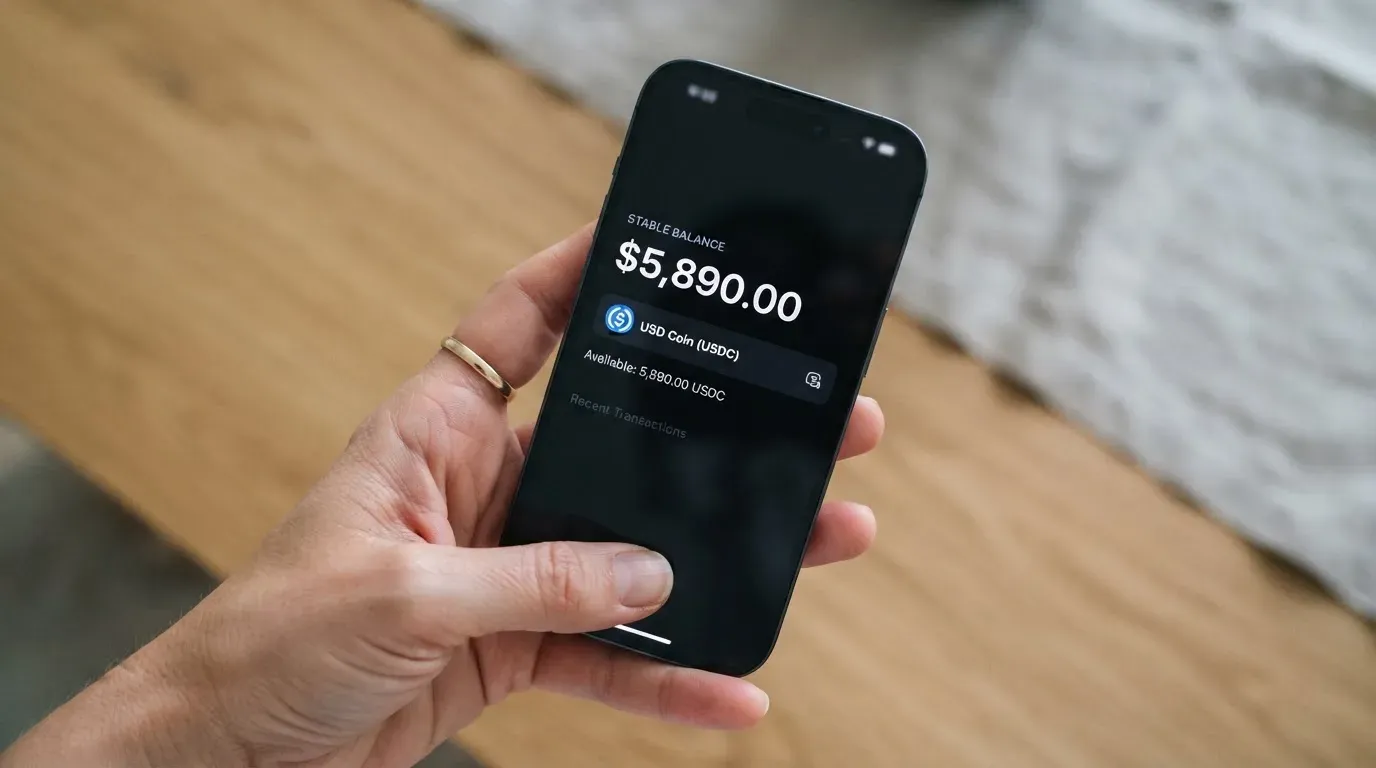
The cost of loading is a 5% deposit fee with a minimum deposit of $50 according to the fees page, though the fees-and-usage page says $100. If your deposit is USDT under $100, there is an extra $1 USDT handling charge. Blockchain network fees may apply on top, charged by the network rather than by CardUpNow. There is no maximum deposit stated. For the Elite tier, zero reload and transaction fee — but only if you meet the $300 top-up that makes it free.
| Top-up route | Detail |
|---|---|
| Coins accepted | Bitcoin, Ethereum, USDT, “other major coins” |
| Networks | Not stated |
| Deposit fee | 5% |
| Minimum deposit | $50 (fees page) / $100 (fees-and-usage page) — the pages disagree |
| USDT under $100 | Extra $1 USDT handling |
| Blockchain fee | May apply, charged by the network |
| Maximum deposit | None stated |
The network question deserves one more sentence of caution, because it is the single most expensive mistake available in this category. Blockchain transfers are generally irreversible. If you send on a network the provider does not support, or to an address belonging to a different network, the funds can be lost or need manual support recovery with no guarantee of success. The same goes for stablecoins specifically: USDT exists on several chains (Ethereum, Tron, Solana, Polygon, Avalanche and others), and the card’s page does not tell you which one it wants. Before your first transfer, confirm the network and address through support rather than assuming — the support channels are listed below.
Getting money back out is the mirror image. A 5% wallet withdrawal fee applies, with a minimum withdrawal of $50 on the fees page (the fees-and-usage page says no minimum). If you delete your card or close your account, any remaining balance may be returned to you, subject to the company’s policy.
Paying with it every day
Day-to-day use is where a virtual card earns or loses its place: you can pay online with the number, and Visa cards can be linked to Apple Pay or Google Pay for in-store contactless payments on your phone. There is no ATM, no physical card, and no cash. Some uses are prohibited outright: unlawful gambling, pornographic services and dark-web markets. Note that merchants classify businesses by a category code, and gambling in particular is one of those categories that card issuers block by policy more often than by law — the blocked list varies by issuer, so a merchant category that works elsewhere can fail here.
The account is a web app only, at app.cardupnow.com — I found no app-store app. So the wallet is not in your phone’s app drawer; it is a website you log into. Rewards come with the Elite tier, which promises “cashback, rewards & perks,” but the rate is not stated, so treat that as a marketing phrase rather than a number you can plan around.
If a payment goes wrong, there is a refund process with a request window of 48 hours from the transaction, a review within 3 business days, and a payout in 5–10 business days. It applies only for system errors or unusable cards, and you escalate by email under the subject “Refund Dispute.” Chargebacks are not mentioned — meaning the stronger consumer remedy, where the issuer formally reverses a disputed payment, is not part of what this card describes. That is a meaningful gap, and it connects directly to the complaint themes below.
One everyday-use detail worth knowing from the wider category: a declined authorisation can leave a hold on your funds that lingers, typically up to seven days. A card that declines at the till may therefore tie up money you thought was already spent.
What can go wrong
Read this section twice if you are leaning towards signing up. The card’s legal entity, registration and issuer are not named anywhere on the public pages, and the company states it is “not a traditional bank.” That is the central risk: with a normal bank card, a named, licensed, deposit-scrutinised institution stands behind your money. Here, the issuer is unnamed, and what you are trusting is a custodial prepaid balance held by a provider that does not disclose who it is.
The complaint record lines up with that. On Trustpilot the page rating is shown as unavailable (reviews removed for a “breach of guidelines,” with fake reviews taken down), with 14 reviews on the page (which also says 16 in the last 12 months) and 79% of ratings at one star (read 2026-10-21). The user reports cluster around themes you should take seriously:
- Failed and declined cards (May–October 2026) — cards that would not work.
- Frozen cards and unreturned funds (June–September 2026) — accounts restricted and money not given back.
- Fees and upsells (May–June 2026) — complaints about high fees, the $50 account fee, being pushed toward the $300 Elite tier, and charges for failed authorisations.
Specific user reports include high fees and the $50 account charge alongside a $300 Elite upsell and charges even when an authorisation failed (May 2026); a card removed with roughly $7 left on it (May 2026); and frozen cards or restricted accounts with funds not returned (September 2026). The company replies and disputes these. I found no press or news coverage to weigh against them, which leaves the user reports as the main public signal — and an unavailable rating is not the same as a good one.
Security is custodial: your crypto sits in a provider-held wallet, so the provider holds the keys. The company claims encryption and offers per-card limits you can set — sensible features, but they protect the card, not your claim on the balance if the provider itself fails. In this category, history is a warning: custodial platforms have gone down with large user balances before (Mt. Gox, Coincheck, Ronin Network), because holding funds with a custodian carries hack and counterparty risk.
Support is reachable through a contact page, Telegram at t.me/CardUpNowSupport, and WhatsApp; hours are not stated, and Elite is sold partly on “premium support.” If you are outside working hours and your card is frozen with money in it, the quality of your outcome will depend on response times you cannot see in advance. Set against all of this: 4.2 out of 10, and specifically 2 out of 10 for reliability and complaints.
What to take instead
If the idea of a crypto-backed card appeals to you but this particular one leaves you uneasy, you have options with better scores and, in some cases, more disclosure. Here is how the three main alternatives compare, using the same kind of criteria. (Their scores are independent ratings; I am not endorsing any of them, and each has its own open questions.)
| Card | Score | Card type | Cost picture |
|---|---|---|---|
| CardUpNow | 4.2 / 10 | Virtual Visa/Mastercard only | $50 activation; 5% issuance, deposit, withdrawal |
| Cardex | 5.6 / 10 | Debit card on VERVE, Visa, Mastercard, UnionPay; virtual and physical | Not stated; real-time conversion at payment, no fee % published |
| TakeCard | 5.5 / 10 | Virtual card immediately; physical Bolivia only; Visa; issued in the US; USD | Virtual $5; physical $20 issuance + $20 shipping (one page says $10); 1% per purchase |
| OkiCard | 6.0 / 10 | Virtual card (a physical card is mentioned); Visa/Mastercard; USD/EUR pegged | Issuance $0 / $15 (pages disagree); monthly $0; load fee 3%; transaction fee 0% |
Cardex (5.6/10) positions itself as “one crypto card, 200+ countries,” again with no country list or exclusions. It runs on four networks including Visa and Mastercard and offers both virtual and physical cards, though its app-store listing is Naira-focused and its card currency is shown as Naira. Its distinguishing feature is real-time crypto-to-fiat conversion at the moment of payment, with an “AI-Powered Conversion Rate” it says scans global rates — an appealing idea, though no fee percentage is stated and its accepted coins are USDT, USDC and BTC with networks again unnamed.
TakeCard (5.5/10) is the cheapest to start among the named tiers: a virtual card at $5. It is virtual-immediate, with the physical card limited to Bolivian users for now, issued in the United States, prepaid, and spending USD 1:1 with other currencies at the official Visa rate; a 1% commission applies per purchase. Its fees are the most transparent of the four, but it also carries the most country friction — help articles do not list countries clearly, and the physical option is Bolivia-only.
OkiCard (6.0/10) is the strongest-scoring of the group and the most explicit about networks: USDT is supported on BSC, Ethereum, Tron and Solana, with USDC “soon.” It advertises “150+ countries” (some pages say “200+”), no geo-blocking based on your passport, and a user confirmation that you are not in a sanctioned jurisdiction. Its numbers are competitive — load fee 3%, transaction fee 0% on USD, no monthly fee — but there is an initial deposit of 100 USDT, and its pages disagree with themselves on whether issuance is $0 or $15 and whether an issuance fee exists at all.
Where CardUpNow stands against this field is not on price — it is on disclosure. None of these four names an issuer as clearly as a licensed e-money institution would, but OkiCard and TakeCard at least publish networks, limits or per-purchase fees more openly. CardUpNow’s combination of an unnamed issuer, an undisclosed FX fee, and no stated networks for its coins is the widest gap.
Who I would recommend it to
I would point this card at a specific person: someone who cannot get a normal bank card, who needs a virtual Visa or Mastercard today with nothing but an email, and who will load a small, short-term balance for a handful of online or Apple Pay payments — and who treats the money as if it might not come back, because on the evidence, that is a real possibility. For that person, with the $50 activation already a sunk cost, the 4.2/10 is survivable.
I would steer everyone else away. If you need a physical card, an ATM, a named regulated issuer, real chargeback rights, or a rewards rate you can count on, this card does not offer them. If you are sensitive to fees, remember the 5% on top-ups and withdrawals, the unstated FX fee, and the small-payment and declined-transaction charges — they add up, as the three everyday payments above show. And if you are put off by an unnamed legal entity and a Trustpilot page that is 79% one star, that reaction is well-founded; do not let the “no KYC” convenience talk you out of it.
My own preference, if I were choosing a crypto card today, would be an option that names its issuer and publishes its networks and its all-in fee. OkiCard scores best here and states its networks, though its own pages contradict each other on issuance, so verify before loading. Whichever you pick, load only what you can afford to treat as gone, confirm the deposit network with support before your first transfer, and keep a record of your transactions and card details in case you need to raise a refund within the 48-hour window.
Frequently asked questions
What is the CardUpNow card?
CardUpNow is a virtual payment card, offered as Visa or Mastercard, either single-use or reloadable. You register with an email and password, and there is no physical card and no ATM. Spending draws on a prepaid balance you load with crypto. There is also a higher tier, CardUp Elite, free with a $300 top-up, promising zero reload and transaction fees plus higher limits. Card details are expected within about 15 minutes of payment, in the web app at app.cardupnow.com.
Does the CardUpNow card require KYC?
The default flow does not: you register with an email and password, with no ID, phone number or social security number. The company does qualify this as applying “for eligible plans” and “where allowed by law,” and states that higher limits and business accounts may require verification. You must be 18 or older. Note that even without a KYC step on your side, providers that are regulated are still bound by anti-money-laundering rules about identifying customers.
Is CardUpNow a bank, and who owns it?
No. The company describes itself as “not a traditional bank,” and its public pages do not name a legal entity, a registration, or the card issuer. That is the key thing to weigh: with a normal card, a licensed institution stands behind your balance, whereas here you are trusting an unnamed provider holding your funds in a custodial wallet. Treat the money as at risk, and load only what you could afford to lose.
How much does the CardUpNow card cost to open and use?
Opening costs a $50 one-time, non-refundable account activation fee, plus a 5% card issuance fee on the card amount. Loading costs a 5% deposit fee and taking money out a 5% withdrawal fee. On individual payments, a declined transaction is $0.40, a payment under $30 adds $0.40, and refund overuse costs $0.50 or 2%. The foreign-exchange fee is not stated, and “international currencies” are claimed without a list, so run the numbers before you commit.
Which cryptocurrencies and networks can I use to top up?
CardUpNow says it accepts Bitcoin, Ethereum, USDT and “other major coins.” It does not publish which blockchain networks are supported for each coin, and that matters: blockchain transfers are generally irreversible, so sending on an unsupported network or to a mismatched address can lose the funds or require manual support recovery with no guarantee. Confirm the exact network and address with support before your first transfer rather than assuming. Deposits under $100 in USDT also carry an extra $1 USDT handling charge.
Can I add the CardUpNow card to Apple Pay or Google Pay?
Yes, for Visa cards. CardUpNow says its Visa cards can be linked to Apple Pay or Google Pay, which lets you pay contactless in stores from your phone even though there is no physical card. Mastercard cards do not get that mobile-wallet link according to the details published. Apple Pay works by replacing the card number with a device-specific token stored on the phone, so the raw card number is not what a merchant sees. Note the account itself is web-only, so the wallet lives on a website, not an app.
Is the CardUpNow card safe to use?
Define “safe” carefully. The card itself is a custodial prepaid product: the provider holds your crypto, claims encryption, and lets you set per-card spending limits, which are sensible protections for the card. But the balance sits with an unnamed issuer, and the public complaint record is poor — 79% one-star ratings on Trustpilot, with themes of frozen cards, unreturned funds and declined payments. There is no named entity to hold accountable and no deposit guarantee, so the balance carries counterparty and hack risk. Load small, use it promptly, and keep your own records.
What should I do if a CardUpNow payment is declined or my card is frozen?
If a payment is wrong, CardUpNow describes a refund process: request within 48 hours of the transaction, review within 3 business days, payout in 5–10 business days, and only for system errors or unusable cards. You escalate by email with the subject “Refund Dispute.” Stronger remedies are weaker here — chargebacks are not mentioned, so the usual issuer-led reversal may not be available. Contact the support channels listed on the company site; for security, freeze the card and set tight limits while you sort it out.
How do I withdraw money or close my CardUpNow account?
You can withdraw from the wallet, and CardUpNow charges a 5% wallet withdrawal fee. The stated minimum withdrawal is $50 on the fees page, though the fees-and-usage page says no minimum. If you delete your card or close the account, any remaining balance may be returned to you, subject to the company’s policy, so do not assume an instant full refund of everything you loaded. Before closing, make sure your balance is actually withdrawn and keep confirmation.
Is the CardUpNow card worth it, and who should avoid it?
Worth it for one narrow case: if you cannot get an ordinary bank card, need a virtual Visa or Mastercard quickly with just an email, and will only load a small, short-term balance for a few online or mobile-wallet payments — and you accept the money might not come back. Avoid it if you need a physical card, an ATM, a named regulated issuer, dependable chargebacks, or a predictable fee. On those needs it scores 4.2 out of 10 overall, and just 1 out of 10 for cost.
Virtual cards for online use – cryptocardselect
Content created by the «cryptocardselect» team