
Pay3 card review — what it costs, who it suits, and what to check before you sign up
 Available in US
The Pay3 card is a Visa debit product from a young Hong Kong fintech that targets people who already hold crypto and want to spend it through a familiar card at the till or in a wallet. It comes as a virtual card, a physical card, and a token you can add to Apple Pay or Google Pay, and it is built around a collateral model: the card spends against crypto you have posted, not against a credit line. That shape, more than any single fee, is what makes Pay3 interesting and what makes it worth reading carefully.
Conditions on this page are current as of October 28, 2026.
Verdict
Pay3 lands at 6.3 out of 10. That is a mid-table score for a crypto card in 2026: it is not a bank, it does not lend, and it does not pay cashback on what you spend, but it does the basic job of turning a crypto balance into something a shop or a wallet will accept. The card suits someone who already keeps stablecoins or other crypto on a platform, wants a Visa in their phone within minutes, and is comfortable with the small set of fees that Pay3 publishes. It is a weaker fit for anyone who wants a credit-style experience, rewards on every purchase, or a card from a company with a long public track record.
Score breakdown
| Criterion | Mark | Reason |
|---|---|---|
| Who can get it | 7 / 10 | Open to users outside “Restricted Locations”; the list is not published and may change without notice, and US citizens must sign a declaration that they are not US persons. |
| Cost | 5 / 10 | Issuance “starts at $5” and a single spend from $0.15; conversion from 1.15% and FX or cross-border fees up to 3% on top. |
| Top-up options | 6 / 10 | Stablecoins or fiat into a multi-currency account, with no top-up fee, but the coins and networks Pay3 supports are not listed. |
| Reliability and complaints | 6 / 10 | Pay3 Limited is registered in Hong Kong since 2024, the issuer is named “Third National” and there is no insurance or guarantee scheme; public complaints are thin. |
| Everyday use | 8 / 10 | Virtual and physical Visa, Apple Pay and Google Pay; ATM cash withdrawal “may” work on the physical card, subject to the partner. |
| Total | 6.3 / 10 | A workable collateral-based Visa from a young company, strongest on day-to-day acceptance and weakest on clarity of fees and the lack of rewards. |
The audience this card fits best is a collateral-based spender — someone who already has crypto they want to use as a payment balance rather than as a long-term hold, and who values having both virtual and physical Visa options plus mobile-wallet support from day one. If that is you, the score moves up. If you are looking for a card that pays you back, lends, or comes from a household-name issuer, it does not.
Will they give you the card
Pay3 is open to anyone outside what the card terms call “Restricted Locations”: countries under trade sanctions, export controls or specific crypto or fintech prohibitions. Pay3 does not publish that list, and it reserves the right to change it without notice. The same terms require every applicant to confirm that they are not a US citizen and are not on the OFAC sanctions list — that is a separate filter from the country you actually live in, and it is worth taking seriously before you start an application, because a “yes” you cannot stand behind will come back to bite you during identity checks.
The card is described as being for users aged 18 or the legal age in their country, and identity is checked once through Sumsub inside the app, then reused across the card, the account and the in-app swap feature. Depending on the partner handling your file and the region you are in, Pay3 or that partner may ask for an extra document such as proof of address; the card terms do not lay out fixed KYC tiers, processing times or the specific reasons an application might be rejected, only that a failed check can lead to the account being suspended.
In practice, the practical question is not “do I have a passport” but “is the country I live in on a list I cannot see.” If you are in a major market — most of Europe, the UK, much of Latin America, large parts of Asia and the Middle East — the application is likely to go through. If you are in a smaller or sanctioned jurisdiction, you will not know until you try, and you may not get a clear answer.
How to get it
The signup path is built around the app, not a website. You install the Pay3 app (or open the Telegram Mini App at app.pay-3.io), verify your identity once with Sumsub — that is the same vendor a lot of crypto platforms use, so do not be surprised if the flow looks familiar — and then apply for a card from inside the app. Once your card application is approved, the virtual card is ready immediately, and the physical card is described as taking three to five business days to arrive.
The card itself is a Visa, issued “under license from Visa” by a partner Pay3 calls “Third National.” Pay3 does not state the partner’s country, its licence numbers, or which regulator supervises the card programme. You can get the card in three forms: virtual, physical, and a token for Apple Pay or Google Pay. The card currency is not stated outright, but the fee table distinguishes “non-USD” transactions, which strongly implies the base currency is USD.
Pay3 also names two card products on its site — the Pay3 Credit Card and the Pay3 Black — but it does not publish the differences between them, what the Black tier costs, or who qualifies. Treat that as a sign that the product line is still in motion: the public documentation simply does not give you enough to compare them head to head.
Fees and what a payment really costs
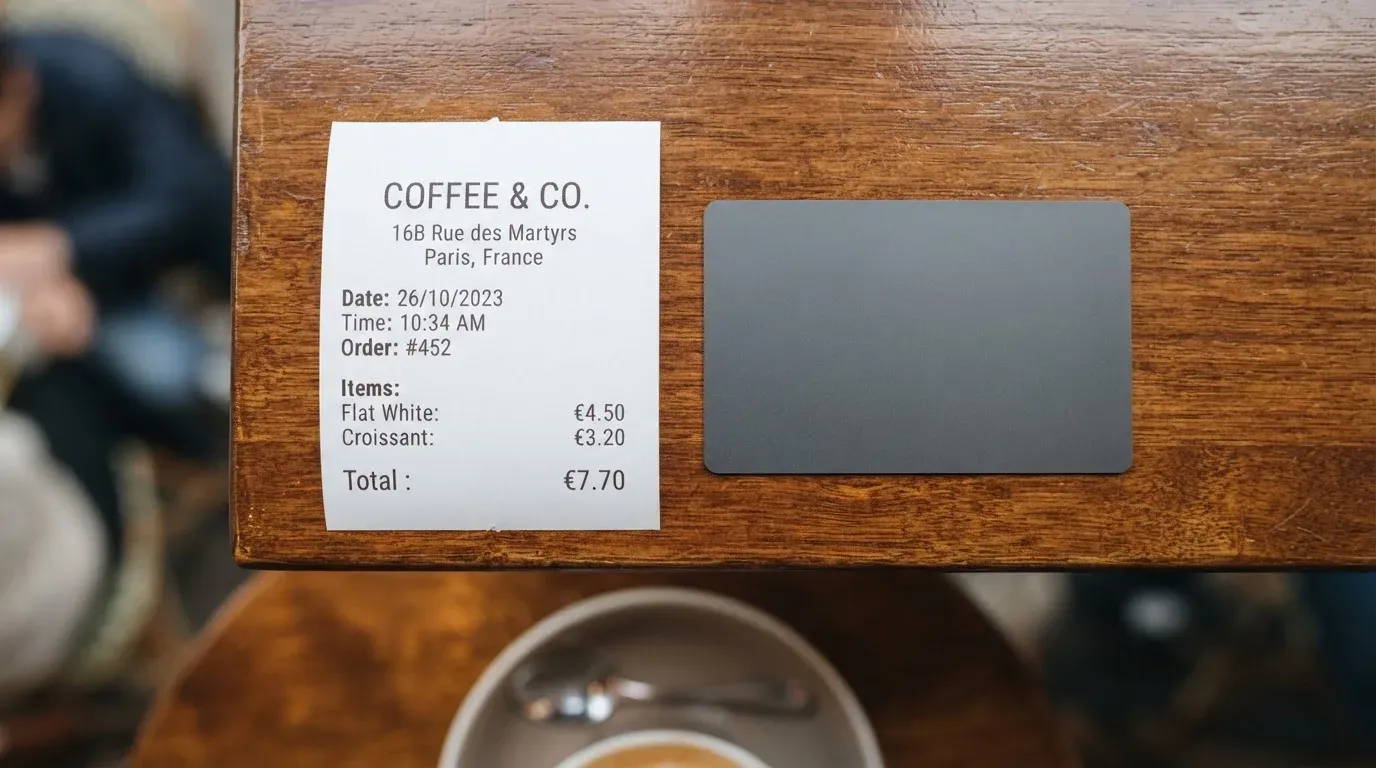
Pay3’s fee schedule is partly published and partly missing. The card terms talk about an issuance cost that “starts at $5” and a per-transaction cost from $0.15, and the table of operating fees lists a currency conversion fee “from 1.15%”. A non-USD foreign exchange fee, a cross-border fee and a “foreign transaction fee” can each add up to 3%. There is no published monthly or annual fee, but Pay3 is clear that fees vary by card type, currency and the country you are in, so a fee that does not exist on the page can still turn up on a real statement.
Costs at a glance
| Fee or limit | Amount |
|---|---|
| Card issuance | “Starts at $5” |
| Per-transaction cost | From $0.15 |
| Monthly / annual fee | Not stated |
| Currency conversion | From 1.15% |
| Foreign exchange fee (non-USD) | Up to 3% |
| Cross-border fee | Up to 3% |
| Foreign transaction fee | Up to 3% |
| ATM cash withdrawal | Fee and allowance not stated; “may support” cash withdrawals on physical cards |
| Daily / monthly spending limit | No fixed limit; equals the USD market value of posted collateral; can be changed, including to $0 |
Two things are worth noticing. First, several of those fees are described in the card terms as a single combined “foreign transaction fee” of up to 3% on non-USD spending, so in practice you may not pay all three on the same payment. Second, Pay3 does not publish an inactivity fee, a replacement fee, or a returned-payment fee in a way that holds up across the document: the table inside the card terms lists a returned-payment fee of $29. That kind of internal mismatch is a small thing in isolation, but it is exactly the kind of thing that matters when you are reading the small print before a real charge lands.
Three everyday payments
A coffee in your home currency. If you are paying in the card’s base currency, the headline cost is the per-transaction fee from $0.15 — small enough that you will not feel it on a £4 latte, but visible if you are buying a bag of crisps.
A €40 dinner in a eurozone country on the same card. The card converts euros to USD and then back to your settlement currency if that is different. Expect the 1.15% conversion fee as a floor, and the non-USD or cross-border fee of up to 3% on top. A 3% fee on €40 is about €1.20, which is still cheap for a card that spends from crypto, but the layered structure means a “1.15% fee” headline rarely tells the whole story.
An ATM withdrawal abroad. The card terms are blunt: “Cash advances and balance transfers are not available.” The platform terms are softer, saying physical cards “may support” ATM cash withdrawals subject to partner policy. Net effect: you should not count on ATM access when you travel, and the fee and any allowance are not published anyway.
Top up and how funding actually works
The Pay3 model is collateral-based, which is worth understanding before you read the rest of this section. Your spending limit is not a number Pay3 sets; it is the dollar value of the crypto you have posted as collateral. That means two things at once. It means a market move can shrink your limit overnight, and it means Pay3 can change your limit, “with or without notice, including to $0.” It also means the card cannot overdraw in the way a credit card can, because there is nothing to overdraw against.
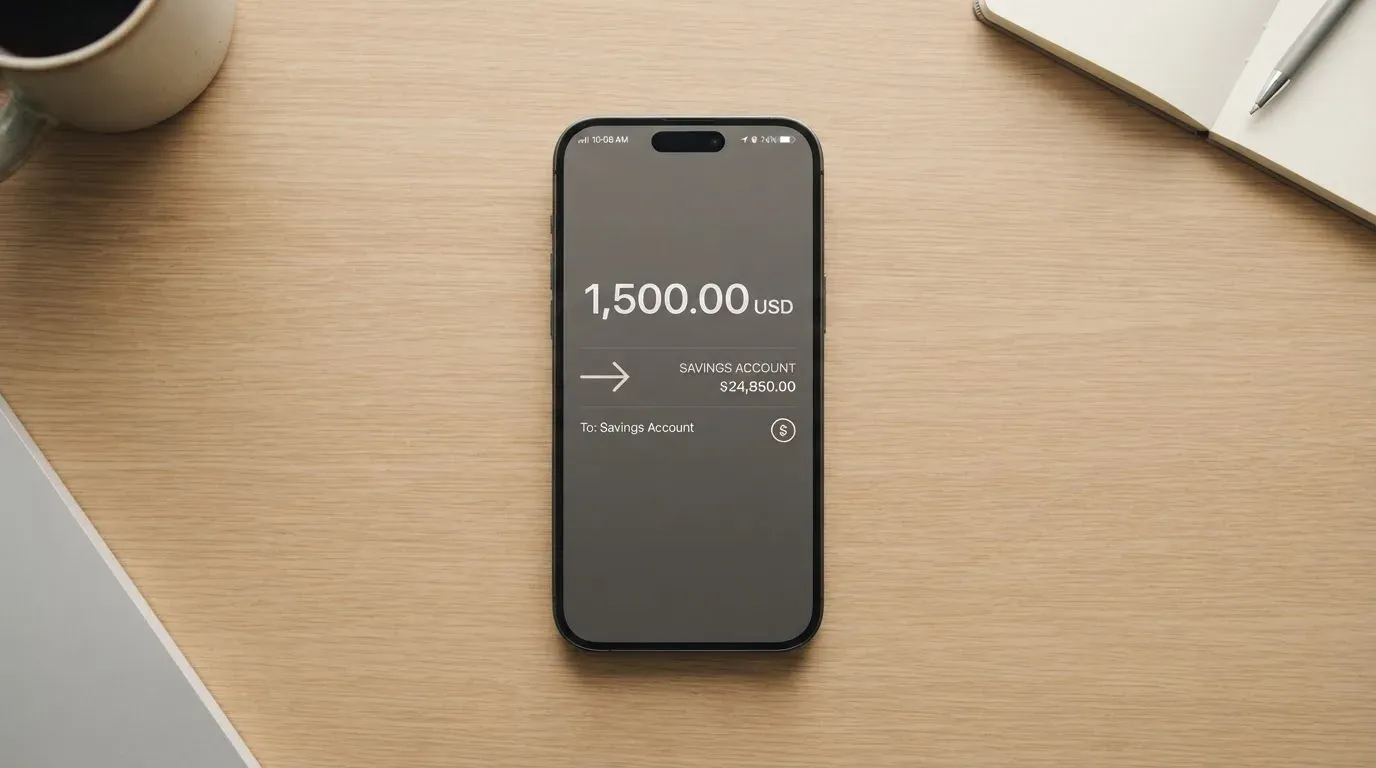
The funding flow is built around options: stablecoins sent into the card, or fiat moved into a multi-currency account inside the app. Adding funds carries a top-up fee of 0%, and the app shows cash, stablecoin and card balances side by side, so you can see at a glance how much you can spend. Pay3 does not list the specific coins and networks it supports on the public pages, so the only safe assumption is that you should not send anything until you have confirmed the supported assets and the destination network inside the app — sending a token on the wrong network is one of the most common ways people lose money in this category, and the rules around it are not the card provider’s fault.
Withdrawals back out of the account are described as “available” in the terms, with no fees published. The terms do not describe a withdrawal process in any detail, and they warn that you may need extra verification to retrieve a residual balance after you close the account. None of that is unusual, but it is another reason to keep a small buffer in the account and not the entire balance.
Paying with it every day
In day-to-day use Pay3 behaves the way most people expect a Visa to behave. The virtual card works for online checkout the moment it is issued, the physical card works at any contactless or chip terminal, and the same card number can be tokenised into Apple Pay or Google Pay for tap-to-pay on a phone or watch. Mobile-wallet support is a small but real convenience, because a tokenised card number is locked to the device, so a merchant never sees the underlying PAN, and the issuer can block the token independently if your phone is lost.
What Pay3 does not publish is the list of merchant categories it blocks. Some crypto cards exclude gambling, dating, or other cash-like merchants by default, and the same is likely to be true here, but you will not find a clear answer on the site. The card terms also flag “cash-like” transactions — foreign currency, crypto purchases, money orders — as a category the card may limit. If a specific type of spending matters to you, the only reliable answer is to test it with a small payment.
On rewards, the picture is thin. Pay3 does not state a cashback programme on the official pages. Unofficial coverage on cryptocards.so in 2026 says the Black tier does not earn spend cashback, and that the only reward the platform runs is a non-transferable P3P referral point system redeemable toward card issuance rather than spending. Read that as “do not pick Pay3 for the rewards”; pick it for the form factor and the spend model.
Customer support is reachable at [email protected], on Telegram at t.me/pay3io and on X at @Pay3_io. There is no published support hours, and one unofficial user report in 2026 describes support as reachable mainly through a Telegram bot or the in-app help section, with no phone line. That is worth factoring in if you tend to want a human on the other end of the line.
When something does go wrong with a payment, the card terms tell you to try the merchant first, then report the disputed charge inside the app within 60 days of it being posted. Pay3 starts the chargeback under the card-network rules from inside your account, and any complaint still unresolved after 60 days moves to arbitration at the Hong Kong International Arbitration Centre. That last detail matters: the venue for an unresolved dispute is Hong Kong, not your home regulator, so your practical options if a case goes sideways are narrower than they would be with a card issued in your own country.
What can go wrong
Pay3 is a young company. Pay3 Limited was incorporated in Hong Kong in 2024, describes itself as “a fintech company, not a bank,” and runs its card through licensed partner providers — the card issuer is named in the terms as “Third National,” with no country of incorporation and no licence numbers given. The platform layer is non-custodial: Pay3’s own terms say it “does not offer custody of any digital or fiat assets,” which means the company does not hold your crypto, but it also means Pay3 is not the entity you would look to if a partner failed. The terms are explicit that there is no insurance and no guarantee scheme (s6.4) protecting your balance, and that the only collateral that gets liquidated is the amount needed to repay the debt.
The complaints picture is small but not empty. There are no widely reported incidents in 2026, but the card terms themselves include a published inconsistency — a returned-payment fee listed as $29 in one table and $50.00 in another section of the same document — and the unofficial community evidence that exists in 2026 is thin but unfavourable: one user report describes a card failing to open with an error and support only being reachable through a Telegram bot or the in-app help section, with no phone line. There is no Trustpilot page for Pay3, and the App Store and Google Play ratings and listing details are not stated on the card’s public pages. The combination of a young company, a non-custodial model, an unnamed partner, and very limited public review is the shape of the risk, and it is the kind of risk that tends to matter most precisely when something has already gone wrong.
There is also a quiet, structural risk to flag. A collateral-based card spends the dollar value of what you have posted. If the market drops, your spending limit drops with it, and Pay3’s terms reserve the right to change that limit, including to $0, with or without notice. If the market goes the other way, the upside is yours and the downside is yours in the same proportion. That is a fair design in principle, but it is not the same as a fixed spending limit, and it is the part of the product most worth understanding before you load a large balance.
Finally, on safety features, the public documentation is again thin. There is no published mention of in-app two-factor authentication, instant card freeze, or per-transaction spending controls on the pages read for this review, and there is no mention of a deposit guarantee scheme or insurance fund. That does not mean those features are absent — most modern card apps ship with at least some of them — but it does mean you should not assume they exist, and you should switch on whatever the app does offer the moment your card is in your hand.
What to take instead
Pay3 is not the only game in town, and the comparison below is built around other crypto cards an applicant in Pay3’s audience is likely to come across. The numbers and rules come from each card’s own public pages in 2026.
Pay3 vs Nexo
Nexo scores 6.3 / 10, the same as Pay3, but it is a different shape of product. It is open to residents and citizens of “selected European countries, including the EEA and the United Kingdom,” with no full country list on the page; it offers a virtual card that activates in the app and a physical one, with free shipping but a $5,000 minimum digital-asset balance and a Gold-tier requirement. There is no monthly, annual or inactivity fee. The FX fee is 0.2% on weekdays inside the EEA, the UK and Switzerland and 2% elsewhere, rising to 0.7% and 2.5% on weekends. Nexo pays cashback only in Credit Mode, on accounts that hold more than $5,000 in digital assets, in NEXO tokens or Bitcoin, with rates from 0.5%/0.1% at Base tier up to 2%/0.5% at Platinum. A 2025-era news report on a Bulgarian police raid on Nexo’s Sofia office over alleged sanctions and AML issues is a useful reminder that this category is not free of regulatory heat.
Against Pay3, Nexo is the better fit if you live in the EEA or the UK, hold a meaningful balance, and want a cashback structure. Pay3 is the better fit if you are outside Nexo’s footprint, want a non-custodial model, or just want a card today without a $5,000 minimum.
Pay3 vs Exa
Exa scores 6.2 / 10 and runs a Visa Signature programme issued in 45 countries (including Argentina, Brazil, Japan, Kenya, Mexico, Singapore, South Africa and the UAE, with Nigeria conditional) and 31 US states, with 18 ineligible countries that include Belarus, China, India, Iran, Israel, Turkey, Ukraine, Vietnam and Russia. The card is marketed as free, with a help-centre article on associated fees and costs whose contents were not read for this review. It spends from a self-custody Exa App against posted collateral, with no cashback programme stated; the “earn while you spend” language on the site refers to yield on assets, not card rewards. A US activation offer reported by a secondary source in 2026 pays $20 in XRP via Uphold after $100 of spend.
Exa is the better fit if you live in one of its 45 issuing countries, want a self-custody model with a Visa Signature benefit package, and can live without card-level cashback. Pay3 is the better fit if you are outside Exa’s footprint, want a simpler fee structure with published per-transaction and conversion costs, or want a card that is not gated by a residence rule that explicitly excludes several major markets.
Pay3 vs Cardex
Cardex scores 5.6 / 10 and is positioned as “one crypto card, 200+ countries,” although the App Store listing is Naira-focused. The card is a debit product on VERVE, Visa, Mastercard and UnionPay rails, with real-time crypto-to-fiat conversion at the moment of payment and an “AI-Powered Conversion Rate” that picks the best exchange rate at the moment of spend. Funding is from USDT, USDC and BTC wallets, with no networks stated. There is no published cashback programme.
Cardex is the better fit if you live in Nigeria or another market where the App Store listing is relevant, and you want a card that supports a UnionPay rail alongside the major networks. Pay3 is the better fit if you are not in a Cardex-supported market, want a published fee schedule, or want a card whose terms name a specific card network and a specific issuer partner.
| Pay3 | Nexo | Exa | Cardex | |
|---|---|---|---|---|
| Score | 6.3 / 10 | 6.3 / 10 | 6.2 / 10 | 5.6 / 10 |
| Where it is open | Outside “Restricted Locations” (list not published) | Selected European countries, incl. EEA and UK | 45 countries and 31 US states (named) | 200+ countries, App Store listing Naira-focused |
| Card form | Virtual, physical, Apple Pay, Google Pay | Virtual and physical | Virtual Visa Signature | Virtual and physical on VERVE, Visa, Mastercard, UnionPay |
| Cost headline | Issuance “from $5”; per-transaction from $0.15 | No monthly, annual or inactivity fee | Marketed as free; full fees in a help-centre article | Not stated |
| FX / conversion | From 1.15%; up to 3% on non-USD | 0.2% EEA/UK/CH weekdays, 2% elsewhere | Not stated | Real-time at the moment of payment, no fee % published |
| Rewards | None on spending (official); unofficial P3P points for issuance | NEXO or BTC cashback in Credit Mode, tiered, $5k+ balance | None stated; “earn” refers to yield | Not stated |
| Custody model | Non-custodial | Custodial | Self-custody in Exa App | Self-custody in the App |
The honest read of this table is that all four products are at least serviceable, all four have at least one published gap, and the right answer depends almost entirely on where you live and which of those gaps you can live with.
Who I would recommend Pay3 to
I would recommend Pay3 to a reader who already keeps crypto on a platform, wants to spend it through a Visa rather than through a manual transfer every time, and is comfortable with a young company and a non-custodial model. Specifically: if you live in a market that is not on a sanctions list and you are not a US citizen, if you want a virtual card in your phone within minutes and a physical card within a week, if you do not need a cashback programme, and if you understand that your spending limit is the dollar value of the crypto you have posted, then Pay3 is a reasonable choice at 6.3 / 10.
I would not recommend Pay3 to a reader who wants a credit card with a published interest rate, who relies on a cashback programme to make a card worth carrying, who needs ATM cash withdrawals to be a sure thing, who lives in a market the public pages cannot tell them about, or who is unwilling to be the only real layer of protection for their own keys. For those readers, the alternatives above — Nexo for EEA and UK residents who can meet the balance threshold, Exa for residents of its 45 issuing countries, Cardex for a UnionPay-rail option — are more likely to fit.
The one thing I would check first, before anything else, is the app. Open the Pay3 app, look at the supported coins and networks, look at the fee schedule inside the app rather than the marketing page, and look at the customer support options. If those three things look right to you, the rest of the experience is much more likely to look right too.
Frequently asked questions
What is the Pay3 card?
Pay3 is a Visa debit product from Pay3 Limited, a fintech company registered in Hong Kong in 2024. It comes as a virtual card, a physical card and an Apple Pay or Google Pay token, and it is built as a collateral-based card: you post crypto as collateral and the card spends against the dollar value of that collateral.
How does the Pay3 card work?
You verify your identity in the app, apply for a card, fund it with stablecoins or fiat into a multi-currency account, and the card then spends that balance at any merchant that takes Visa. The spending limit is set by the value of the posted collateral rather than by a fixed Pay3 limit, and Pay3 can change that limit, including to $0, with or without notice.
Is Pay3 a bank?
No. Pay3 describes itself as a fintech company, not a bank, and runs the card through licensed partner providers; the card issuer is named in the terms as “Third National.” There is no published deposit guarantee or insurance scheme, and customer balances are not protected the way bank deposits are in most regulated markets.
Who owns Pay3?
Pay3 is operated by Pay3 Limited, a company incorporated in Hong Kong in 2024. The card’s public pages do not name individual owners, investors or the country of incorporation of the card-issuing partner “Third National,” and they do not list any regulatory licences the company holds.
Is the Pay3 card available in my country?
The card is open to users outside what the card terms call “Restricted Locations” — countries under trade sanctions, export controls or specific crypto or fintech prohibitions. Pay3 does not publish that list, and the company reserves the right to change it without notice. The card terms also require every applicant to declare they are not a US citizen and not on the OFAC sanctions list.
How do I apply for a Pay3 card?
You install the Pay3 app or open the Telegram Mini App, complete identity verification with Sumsub, apply for a card from inside the app, and fund it. The virtual card is ready immediately after the application is approved, and the physical card arrives in three to five business days.
Does Pay3 require KYC?
Yes. Identity is checked once through Sumsub inside the app, then reused across the card, the account and the in-app swap feature. Depending on the partner handling your file and the country you are in, Pay3 or that partner may ask for an additional document such as proof of address; the card terms do not publish fixed KYC levels, processing times or the specific reasons an application might be rejected.
How do I top up the Pay3 card?
You add funds with stablecoins or with fiat into a multi-currency account inside the app. The top-up fee is 0%, and the supported coins and networks are shown in the app — Pay3 does not publish a master list on its public pages, so the safe move is to confirm the supported assets and the destination network inside the app before sending anything.
Can I use Pay3 at an ATM?
The card terms say cash advances and balance transfers are not available, while the platform terms say physical cards “may support” ATM cash withdrawals subject to the partner’s policy. There is no published ATM fee or allowance, so ATM access should not be relied on as a sure thing.
How do I add Pay3 to Apple Wallet or Google Pay?
During the application flow inside the Pay3 app, you can tokenise the card into Apple Pay or Google Pay, then tap to pay at any contactless terminal. The token is locked to the device, and you can block the token independently from the underlying card if the phone is lost.
Credit and cashback cards – cryptocardselect
Content created by the «cryptocardselect» team