
A crypto card that spends straight from your wallet — useful in many countries, thin on the details
 Available in US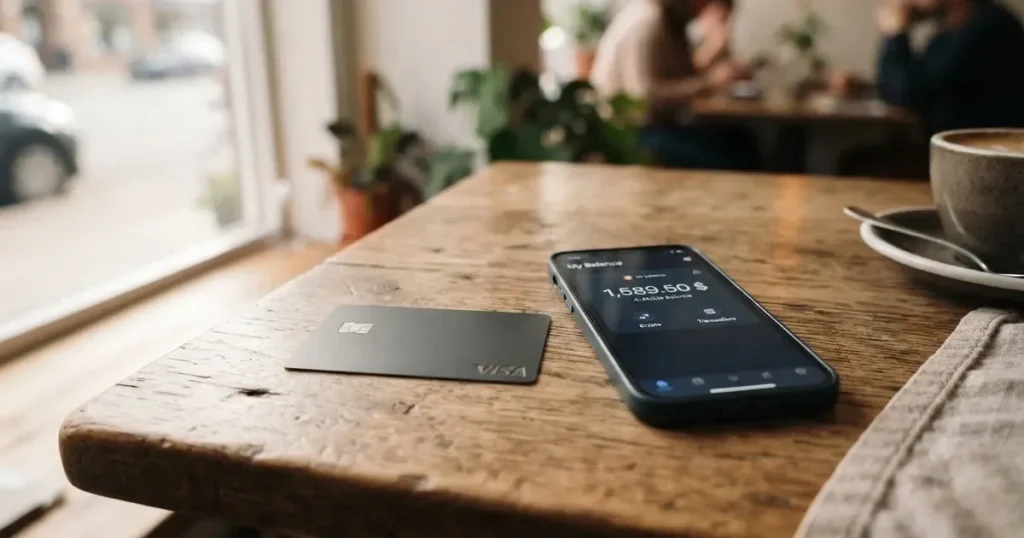
Anyone who has tried to open an ordinary bank card knows the walls: a proof-of-address letter the bank never receives, a branch appointment three weeks away, a salary account closed because the country on the passport does not match the address on the lease. Oobit is a card built for exactly that gap. It issues a Visa card number that you load from crypto or from a balance in the app, and it says it is available in 75+ countries. That reach, plus a free-to-issue card and no monthly fee, is the case for it. Against that: the pages do not name the card issuer, the fee schedule is thinner than you would like, the rewards headline is larger than the small print, and the review history on Trustpilot is not flattering. This is what I found when I read the card’s own documentation and the public complaints.
Conditions are current as of October 28, 2026
Verdict: 6.8 out of 10
Oobit scores 6.8 out of 10. It suits people who already hold their own crypto wallet — MetaMask, Phantom, Trust Wallet or Base — and want to spend directly from it without moving funds to an exchange first, in a country where a normal bank card is awkward or impossible. It does not suit people who want a bank account, want to be certain exactly what every swipe costs, or want a card that arrives in the post with a printed number. The card is built around self-custody wallet users paying straight from their wallet, and the whole product — the fees, the limits, the way money arrives — makes sense only if that is you.
Here is how the score breaks down, criterion by criterion, out of ten:
| Criterion | Mark | Why |
|---|---|---|
| Who can get it | 7 / 10 | Available in 75+ countries: 43 in Europe, 10 in Asia and the Middle East, 17 in the Americas, 3 in Africa, 2 in Oceania. Broad, but Turkey, Armenia, Russia and Belarus are not on the list. |
| Cost | 7 / 10 | Issuance and servicing are free; a card purchase is 1% (minimum $0.25), an ATM withdrawal 2.5% (minimum $0.25), a swap 0.95%. No monthly fee is stated. |
| Top-up options | 7 / 10 | USDT, Bitcoin, Ethereum and other stablecoins, with MetaMask, Phantom, Trust Wallet or Base connections. The networks themselves are not named. |
| Reliability and complaints | 5 / 10 | The issuer is not named. Trustpilot shows 3.8 out of 5 from 495 reviews, with held funds, card blocks and slow support among the themes. |
| Everyday use | 8 / 10 | A virtual Visa card that goes into Apple Pay and Google Wallet, ATM withdrawals to $250. No physical card is mentioned anywhere. |
That last line is the one I keep coming back to. A virtual card you never receive is excellent for phone payments and a problem the moment a shop wants to swipe. The 5 out of 10 for reliability is not a scandal, but it is the honest centre of this card: it works well for a large set of people, and the people who report trouble tend to be reporting the same few things.
Will they give you the card
Yes in most places, no in a specific list — and the country list is the first thing to check before anything else. Oobit says the card is available in 75+ countries, with the full list on its support site. The country pages name the regions more precisely: 75 countries including Georgia, Serbia, Kazakhstan, Kyrgyzstan and the UAE. Turkey and Armenia are not listed. Russia and Belarus appear on a “Not supported in” list. The spread runs across Europe (43 countries, including the UK, Germany and Spain), Asia and the Middle East (10), the Americas (17), Africa (3 — Kenya, South Africa and Tanzania) and Oceania (2).
So before you download anything, ask yourself the question you would ask any bank: does this card work for the country my passport says I am from, or the country I live in? The card’s pages tell you where it is offered. They do not, on these pages, draw a line between citizenship and residence, and that distinction matters to you if you are a citizen of one country living in another. Oobit is not available to residents of Russia or Belarus. If you are not sure about availability in your location, check the support site.
Who can get the card, in short: adults in supported countries with a passport or driver’s licence and a phone. That is the population this product is built for.
How to get it
You get a virtual Visa card through the app, after identity verification — you do not apply for a plastic card. The steps are short:
- Download the Oobit app for iOS or Android.
- Complete identity verification. It is mandatory, and the card does not appear without it.
- Request the virtual Visa card in the app. Its status moves from Pending to Active.
- Add it to Apple Pay or Google Wallet, or a supported smartwatch.
- Load it and spend.
What verification means in practice: a passport or a driver’s licence, sometimes proof of address. For bank transfers, one-time proof of address is needed before the first payout. Most accounts are verified in minutes; some take up to 24 hours. If your documents are rejected, the reason is usually an expired, unclear or mismatched document, and you resubmit in the app rather than starting again.
Two things the card does not say, and you should know them before you start. It does not state whether a physical card exists. It does not state a delivery time or a replacement cost for a lost card. It does say one useful thing: a card left unused for 90 days is cancelled, and a new one can be requested. On the card itself, the network is Visa Platinum, and transactions run over the Visa network and settle in local currency. The card is funded by your Oobit account balance or by a connected wallet.
So the honest answer to “how do I apply” is: you verify, you ask the app for a card, you get a number you add to your phone. That is the whole product. Whether that is enough depends entirely on whether you pay with your phone.
Fees: what a payment really costs
The headline numbers are: a card purchase costs 1% with a $0.25 minimum, an ATM withdrawal costs 2.5% with a $0.25 minimum plus whatever the ATM charges, and a swap costs 0.95%. There is no issuance fee and no monthly fee stated. Here is the full schedule as the card’s pages give it:
| Fee or limit | Value |
|---|---|
| Issuance | Free |
| Monthly fee | None stated |
| Card purchase | 1% (minimum $0.25) |
| ATM withdrawal | 2.5% (minimum $0.25), plus any ATM operator fee |
| Crypto swap | 0.95% (3% when receiving OOB) |
| Account creation and holding | Free |
| Crypto deposit minimum | $0.10 |
| Bank transfer minimum | €10 / £10 / $10 |
| FX fee | Not separately stated |
Now let me walk you through three ordinary payments, because a percentage only means something once you price it.
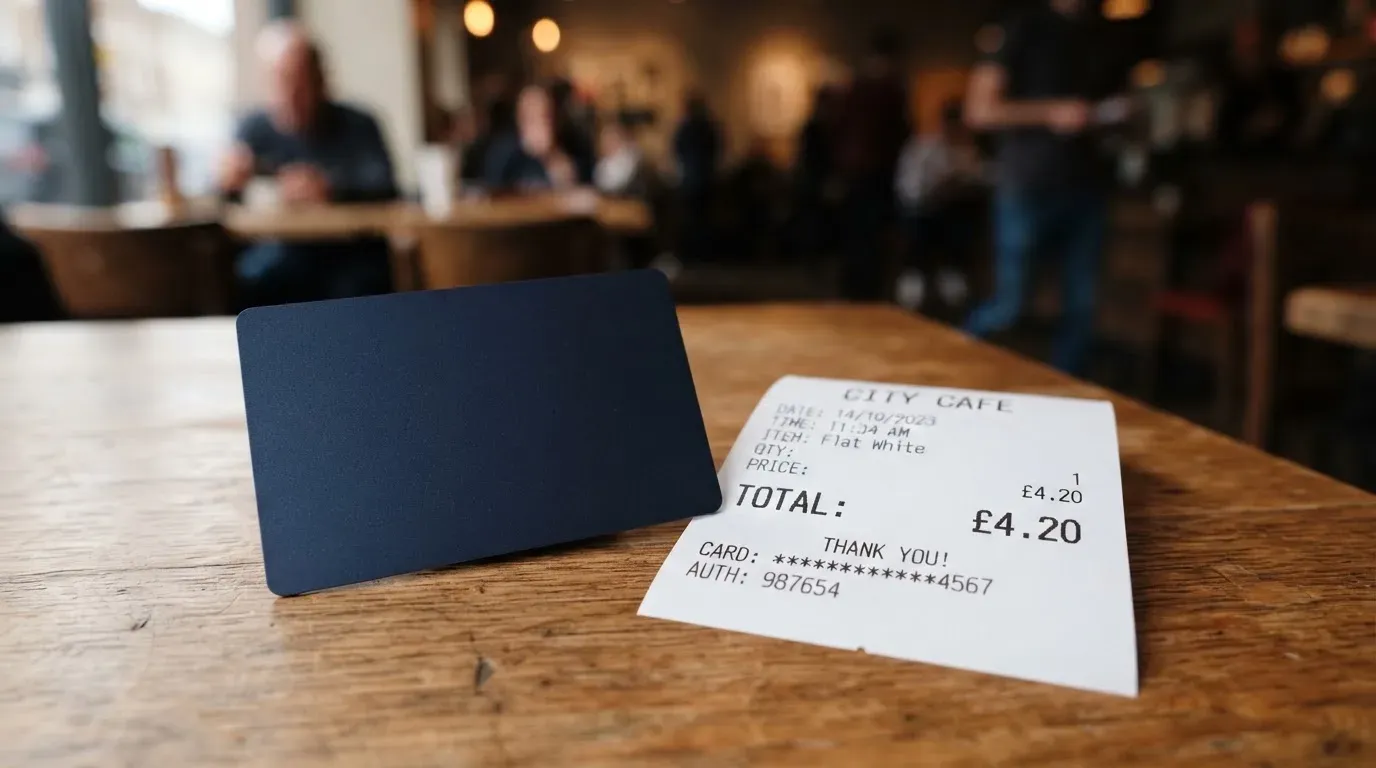
A $30 lunch. The 1% fee is $0.30, above the $0.25 floor, so the fee is $0.30 and you are out $30.30. If that lunch is in a currency that is not the dollar, the Visa network settles it in local currency and the card does not state a separate FX fee — but a Trustpilot reviewer on 24 Aug 2026 reported about 7% on non-USD payments. That is a user report, not something Oobit confirms, and I would treat it as a warning to test small rather than a number to plan around. In Brazil the card’s pages describe 1% without a minimum plus IOF and FX charges. If you are Brazilian, budget more.
A $4 coffee. The 1% is $0.04, below the $0.25 minimum, so the fee is $0.25. On small purchases the minimum, not the percentage, is what you actually pay. Five coffees a week is $0.25 each time, and that is worth remembering before you decide this is a “1% card”.
Withdrawing $200 from an ATM. 2.5% is $5, plus whatever the ATM operator charges on top. The card states a limit of up to $250 per withdrawal, including operator charges, and three attempts per 24 hours. Cash is the most expensive thing this card does, and by a wide margin. If you can pay by card or by phone, pay by card.
One more cost that is not on the list because it is not Oobit’s: the network fee when you withdraw crypto to an external wallet. That is shown to you before you confirm, but it is a real cost of moving money off the card, and it is set by the blockchain, not by the card.
How to Top up
There is no preloading step in the usual sense — the card can pay straight from a connected self-custody wallet, or from a balance you top up. This is the design decision that defines Oobit more than the fee table does. With the DePay option, your crypto stays in your own wallet until you authorise a payment. If you would rather not touch the wallet at the till, you can convert into an Oobit balance and spend from that.
Your options for funding:
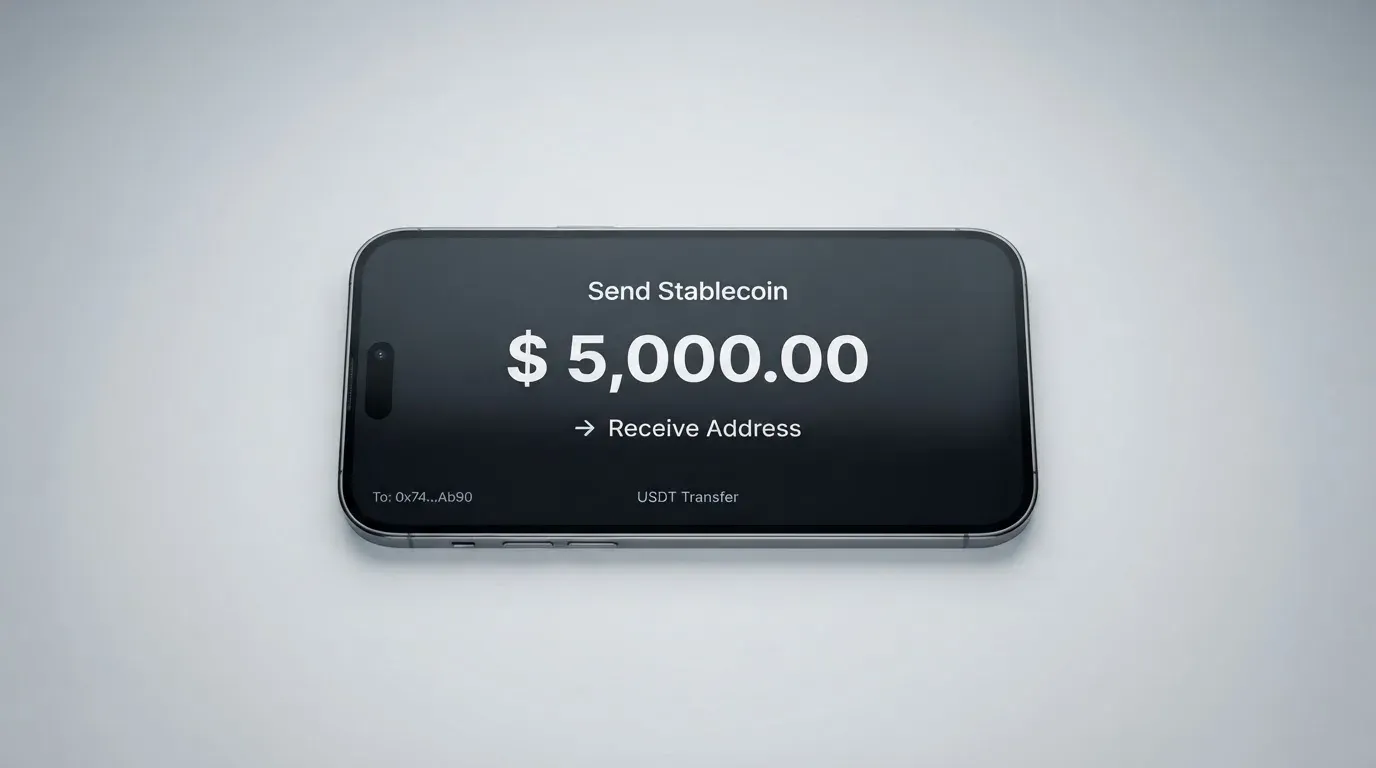
- Crypto deposit. USDT, Bitcoin, Ethereum and other stablecoins. Connect MetaMask, Phantom, Trust Wallet or Base. The card does not name which networks are used.
- Convert within the app. A swap costs 0.95%, or 3% when you receive OOB tokens.
- Buy crypto. Limits are set by Transak and shown at checkout.
- Bank transfer. Up to $50,000 per transfer, minimum €10 / £10 / $10.
The minimums and limits in one place: a crypto deposit starts at $0.10; a crypto withdrawal runs from $1 to $50,000 per withdrawal, with a $5 minimum for US residents and a daily limit per asset that the pages do not quantify; a swap runs from $5 to $10,000; a card purchase runs from $1 to $2,000 per purchase and up to $25,000 per rolling 24 hours, though the FAQ elsewhere says up to $10,000 per day, and the two official pages differ on this.
Two practical warnings before your first transfer. Withdrawals to an external wallet pay a network fee, which is shown before you confirm. And a deposit sent on a network the provider does not support, or to an address belonging to a different network, can be lost — blockchain transfers are irreversible, so there is no automatic recovery, only a support request with no guarantee. Check the network at the top of the transfer screen before you send, not after.
Bank transfers that fail are automatically refunded to your balance, which is a small mercy. You can close your account in the app or through Support; what happens to a remaining balance on closure is not stated, so if you hold a balance, empty it yourself before you close.
Paying with it every day
A virtual Visa card in Apple Pay and Google Wallet, spending in local currency, with a rewards scheme that starts at the first purchase. The everyday picture is good for phone-first spending and thinner everywhere else.
The card is described as Visa Platinum, and the network settles in local currency. You add it to Apple Pay, Google Wallet and supported smartwatches. Apple Pay keeps the card number as a device-specific number in the phone’s Secure Element, never on Apple’s servers, and every payment carries a one-time code — so tapping to pay is about as ordinary as it gets.
Rewards work on cumulative spend over a 90-day cycle. Level 1 at $0 of spend earns 1x points; Level 2 at $250 earns 2x; Level 3 at $500 earns 3x; Level 4 at $1,000 earns 4x; Level 5 at $1,500 earns 5x. One thousand points is worth $1. Separately, stablecoin rewards are 5% of eligible payments up to a $200 spend cap, or 10% with OOB tokens up to a $5,000 cap. The headline “10% cashback anywhere” is the top of that ladder — the reward asset and the caps are not stated, so treat the 10% as an advert rather than a plan.
What is missing from the everyday-use picture is as important as what is in it. The card is not stated to be physical. Blocked merchant categories are not stated. There is no formal dispute process described in the help centre. If a payment is declined, the advice is to check the in-app notification and try again. And one edge case worth knowing: a merchant charging more than the amount first approved can leave your balance negative and your card paused — which is how a small overspend becomes an outage.
The App Store and Google Play listings look strong at a glance — App Store 4.8 (22K+), Google Play 4.7–4.8 (25K+) — but the App Store US listing itself showed 4.5 from 134 ratings, iPhone only, iOS 15.4+, when I read it on 20 Oct 2026. Ratings differ by storefront and by date; the one you see in your own country is the one that counts.
What can go wrong
The recurring complaints are held or missing funds, a paused card, opaque fees and support that does not reply — and they are worth reading before you load money, not after. Let me be precise about what is official and what is not.
On the official side, I found no reported incidents. The card’s own pages are internally inconsistent on scale, giving both 175M and 150M merchants. The issuer is not named; the card says it works through “licensed partners depending on your location”. Oobit Technologies operates through multiple entities globally, and in the US its crypto services run in partnership with Bakkt Financial Solutions I, LLC. On security, the non-custodial DePay option means the crypto stays in your wallet until you authorise a payment, there is a built-in wallet as an alternative, you can lock the card in the app, and the card claims bank-grade encryption and real-time blockchain monitoring. Two-factor authentication, insurance and safeguarding are not stated — and that last gap is the one to hold in mind, because safeguarded e-money and a plain wallet are different things legally.
On the user side, everything in this paragraph comes from Trustpilot, not from Oobit, and it is not confirmed by the card. Oobit’s Trustpilot page shows 3.8 out of 5 from 495 reviews as I read it on 20 Oct 2026, with no recent history of asking for reviews. The one-star themes: a deposit from another wallet that never arrived and support that did not respond (Apr 2026); high fees converting USDC and EURC to euros and on withdrawals (Mar 2026); a delayed USDC-to-BTC conversion (Mar 2025); and an LTC transaction not accepted within two hours, where Oobit replied that delays can come from network conditions (Feb 2025). In the fuller picture, the themes run from held or missing funds (Jul–Sep 2026), an unresolved refund (Amazon, 8 Oct 2026), unresponsive support (Jul–Oct 2026), card suspension or account block (Jul, Sep 2026) and opaque fees (Aug 2026). Oobit answers 100% of negative reviews, often with a template — worth something, but a template is not an investigation.
Against that, what I found on the positive side is real: a December 2025 US launch via Bakkt across all 50 states (a secondary report), a November 2025 expansion to South Africa, and no 2026 licence news either way.
Here is my honest read of the risk. The card is genuinely safer than holding everything on an exchange, because in the DePay setup your crypto does not move until you say so. But the risks that remain are not technical ones — they are administrative. Funds stuck while support answers with a template. A card paused and no described way to dispute it. A fee that turns out to be 7% on a currency you did not expect. Every one of those is a support-quality risk, and the only honest way to size it is to start with an amount you can afford to be uncomfortable about.
What to take instead
If any of the above is the wrong shape for you, there are three other ways to do this — and each trades something away. Here is how they compare, on the facts each card publishes:
| Oobit | BloFin Wallet Card | Decaf | SafePal | |
|---|---|---|---|---|
| Score | 6.8 / 10 | 6.9 / 10 | 6.2 / 10 | 6.2 / 10 |
| Card | Visa Platinum, virtual stated | Visa Platinum | Visa, virtual or physical | Virtual Mastercard debit |
| Issuance / annual fee | Free | All $0.00 | $5 virtual, $10 physical (US) / $90 (rest of world), no annual fee | No account fees; issuance not stated |
| Spend fee | 1% (min $0.25) | 1% or lower by VIP tier (1.00% down to 0.00%) | Not stated | Not stated |
| ATM | 2.5% (min $0.25) plus operator fee | Not stated | Not stated | Not stated |
| FX | Not separately stated | Not stated | No fee added — Visa’s own rate | 1% on non-USD settlement |
| Swap | 0.95% | Not stated | Not stated | Spread included, not quantified |
| Rewards | Points from 1x, plus 5% / 10% stablecoin rewards | None — lower rate instead | Not stated | No cashback |
| Top-up | USDT, BTC, ETH, other stablecoins; wallets | USDT and USDC on Arbitrum and Base | Payment link or account details; coins and networks not stated | 40+ blockchains, converted to USDC or fiat |
Three contrasts stand out. BloFin Wallet Card is the closest peer and, on the numbers, slightly ahead: its spend fee falls by VIP tier from 1.00% to 0.00%, its activation, annual, issuance and dormancy fees are all $0.00, and it pays no cashback at all — but its country list is not published on the card page, which is a real drawback if availability is your main question. Decaf is the one to consider if FX is what hurts you: it adds no fee of its own and uses Visa’s rate. It costs $5 for the virtual card and either $10 (US) or $90 (rest of world) for the physical one, and it is not issued in a long list of restricted countries and US states. SafePal is the choice if you want the widest funding routes — 40+ blockchains, converted to USDC or fiat — and can live with a 1% FX fee on non-USD settlement and no cashback.
The honest summary is that this category has not yet settled. Nobody publishes every number you need, and the four cards above each hide something different.
Who I would recommend it to
I would recommend Oobit to one person: someone who already keeps their own wallet, pays with their phone, and lives somewhere a normal card is hard to get. The reasoning is simple. If your crypto is already in MetaMask or Phantom or Trust Wallet, the DePay setup means the funds do not leave until you authorise the payment, and you get a Visa number that works in ordinary shops without an exchange account. If you are in one of the 75 supported countries and tired of bank-account theatre, that is a genuine convenience.
I would not recommend it if any of these are true. You want a physical card in the post — this one is not described as physical, and that is a limitation, not a detail. You want to know exactly what a foreign-currency payment costs — the FX fee is not stated and user reports run high. You need a formal dispute process — none is described. You want to be certain who your money sits with — the issuer is not named and the balance handling on account closure is not stated. Or you are in Russia or Belarus, where the card is not offered.
And a word to anyone drawn by the 10% cashback headline: read the small print. It is 10% with OOB tokens up to a $5,000 spend cap, or 5% on eligible payments up to $200. Points run 1x to 5x over a 90-day cycle and 1,000 points is $1. That is a pleasant perk on a card you would use anyway, not a reason to choose a card.
Frequently asked questions
What is the Oobit card?
Oobit is a Visa Platinum card that spends from your crypto instead of a bank account. You load it from a self-custody wallet—MetaMask, Phantom, Trust Wallet or Base—or from an app balance. It settles in local currency via Visa. The card is virtual, works with Apple Pay and Google Wallet, and is available in 75+ countries.
How does the Oobit card work?
In the self-custody mode, your crypto stays in your own wallet until you authorise a payment, so it moves only when you tap. In the other mode, you convert crypto into an Oobit balance and the card spends that balance. Either way a card purchase costs 1% with a $0.25 minimum, and a swap costs 0.95%. There is no monthly fee stated.
Is Oobit a bank?
No — it does not present itself as a bank. Oobit Technologies operates through multiple entities globally, and in the US its crypto services run in partnership with Bakkt Financial Solutions I, LLC. The card issuer is not named; the card says it works through “licensed partners depending on your location”. That is the detail to weigh if deposit protection matters to you.
Who owns Oobit?
Oobit Technologies is the company behind the card, and it says it operates through multiple entities globally rather than as one licensed firm. In the United States the crypto services run with Bakkt Financial Solutions I, LLC. The card’s own pages do not name the bank or institution that issues the Visa card itself, describing only “licensed partners depending on your location”.
Does the Oobit card require KYC?
Yes, verification is mandatory, and the card arrives only after it. You need a passport or a driver’s licence, sometimes with proof of address; bank transfers need one-time proof of address before the first payout. Most accounts clear in minutes and some take up to 24 hours. Rejections are usually expired, unclear or mismatched documents, and you resubmit inside the app.
Is the Oobit card free?
There is no issuance fee and no monthly fee stated. What you pay is per transaction: 1% on card purchases with a $0.25 minimum, 2.5% on ATM withdrawals with a $0.25 minimum plus the ATM operator’s own charge, and 0.95% on swaps. A $4 coffee costs the $0.25 minimum, not 1%, so the floor matters more than the percentage on small spends.
How do I top up the Oobit card?
You can deposit USDT, Bitcoin, Ethereum or other stablecoins from a connected wallet — MetaMask, Phantom, Trust Wallet or Base — though the supported networks are not named. Crypto deposits start at $0.10. You can also buy crypto at checkout, with limits set by Transak, or pay by bank transfer up to $50,000 per transfer. Fiat top-up fees are not stated.
How do I add the Oobit card to Apple Wallet?
You request the virtual Visa card in the app after your identity is verified, and its status moves from Pending to Active. Then you add it to Apple Pay or Google Wallet, or a supported smartwatch. Apple Pay stores a device-specific number rather than your card number and generates a one-time code per payment. There is no physical-card mailing process stated, so the phone wallet is the intended route.
Is the Oobit card safe?
The self-custody option is the strong point: your crypto stays in your wallet until you authorise a payment, and the card can be locked in the app. The company claims bank-grade encryption and real-time blockchain monitoring. But the issuer is not named, two-factor authentication and safeguarding are not stated, and Trustpilot shows 3.8 out of 5 from 495 reviews with themes of held funds, card blocks and slow support.
How do I delete my Oobit account?
You can request deletion in the app or through Support, and the help centre is in English, Portuguese and Spanish, with support also reachable at [email protected]. What happens to any remaining balance when the account closes is not stated on the pages I read, so withdraw what you hold before you delete anything — and be aware that a crypto withdrawal to an external wallet pays a network fee.
Wallet-linked cards – cryptocardselect
Content created by the «cryptocardselect» team