
A free digital Visa paid from a stablecoin balance, aimed at people mainstream banks don't reach
 Available in US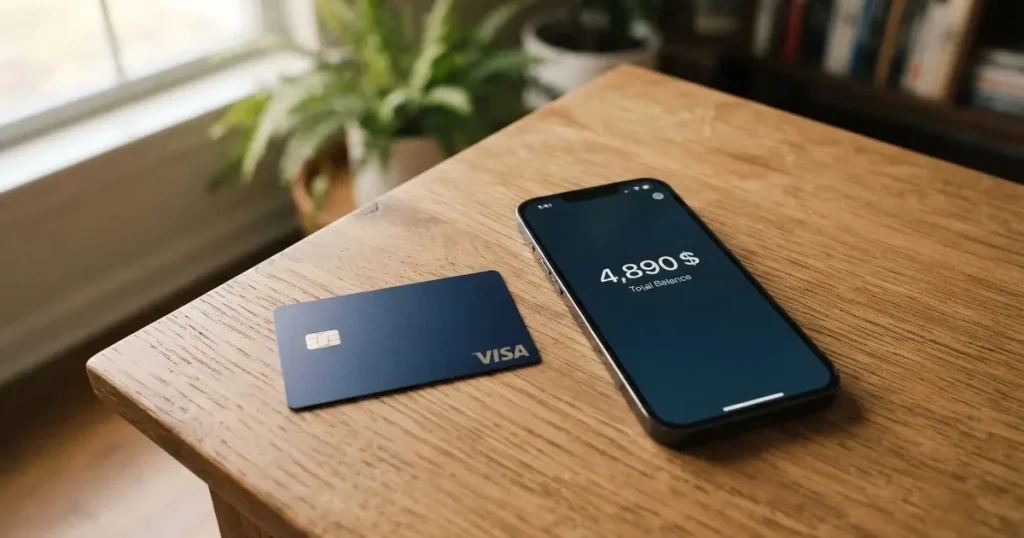
The Wayex card is a Visa debit card that spends from a USDB stablecoin balance, with a free digital version and a physical card “where supported”. It is run by Bridge Ventures LLC, with the actual card issued by Lead Bank under a Visa U.S.A. Inc. licence, and the app is available in 160+ countries even though the card itself is “live in 18+ regions” today. If you already hold USD-pegged tokens and want a low-friction way to spend them at any Visa terminal, it is one of the simpler products on the market. The catch is that a lot of the small print, including the physical card price, FX fees for non-USD, ATM terms, daily limits, blocked categories and the company’s own registration country, is not on the public pages. I have walked through every figure the company does publish, called out where third-party sites fill the gaps, and flagged what you should check on your own account before you put real money in.
Conditions are current as of October 28, 2026.
Conditions are current as of October 2026.
Verdict
Wayex earns 7.5/10 from me. The headline offer is genuinely strong for one specific group: people who already sit on stablecoins and want a free digital Visa that turns those tokens into a balance they can spend online or with Apple Pay and Google Pay, with no monthly fee and “0% on USD spending”. The piece that keeps it from scoring higher is the uneven transparency. The card’s home pages state the price of the digital card (free), the monthly fee (none), the spending fee in USD (0%) and the top-up coins (DAI, USDT, USDC, PYUSD across “10+ blockchains”) with admirable clarity. The same pages say nothing about the physical card price, the FX fee when you spend in a currency other than USD, the ATM fee, the daily and monthly limits, blocked merchant categories or the company’s own country of registration. Help-centre articles written for the Australian version of the product do fill some of those gaps, but they are written for AUD and may not apply to the global Visa card. If you mainly spend in USD, in digital form, from a stablecoin balance, the missing numbers may not matter. If you travel, withdraw cash, or need a physical card, you will be reading the support site and probably emailing [email protected] before you commit.
Who it suits
- Stablecoin holders who want a free digital Visa to spend USD-pegged balances online and at contactless terminals.
- People in countries where mainstream cards are hard to get, and who can meet Wayex’s KYC and country-screening rules.
- Apple Pay and Google Pay users who want their card in a tokenised wallet rather than a physical piece of plastic.
Who it does not suit
- Heavy travellers who need a card with published FX fees, ATM terms and a physical card available worldwide.
- Anyone who needs a clear, on-page answer about blocked merchant categories, daily limits or the physical card price before they sign up.
- People whose citizenship or country of residence is on a UN, FATF, EU or US (OFAC) sanctions list, or who live in a jurisdiction that bars crypto services, because the terms bar them outright.
Score breakdown
| Criterion | Mark | Reason |
|---|---|---|
| Who can get it | 5/10 | Live in 18+ regions today, expanding to 100+; the regions aren’t named, and citizens or residents of UN, FATF, EU and US-sanctioned countries are excluded |
| Cost | 9/10 | Free digital card, free account opening, no monthly fee, “0% on USD spending”; physical card price and FX for non-USD not on the public pages |
| Top-up options | 9/10 | DAI, USDT, USDC and PYUSD across “10+ blockchains”, plus fiat in USD, EUR and others; the specific networks aren’t named |
| Reliability and complaints | 7/10 | Card issued by Lead Bank under a Visa licence, Bridge Ventures LLC is the program manager; Trustpilot 3.9/5 across 61 reviews, with complaints about verification blocks and slow payments |
| Everyday use | 8/10 | Free digital Visa, physical card “where supported”, Apple Pay and Google Pay, balance held in USDB (1:1 USD); ATM terms for the global card not stated |
| Total | 7.5/10 |
Who can get it
Wayex’s home page says the app is downloadable in 160+ countries, but the card itself is “live in 18+ regions today” with the company planning to expand to 100+ over time. The 18+ regions aren’t listed on the public pages, and a third-party tracker (CoinCodeCap, February 2026) describes the core product as Australia-only at the time, with the 160-country app figure presented as an early rollout. If you need to know up front whether your country is on the list, treat the public pages as not saying.
The terms go further than the marketing copy. You can’t be located in, or be a citizen or resident of, a country sanctioned by the UN, FATF, the EU or the US (OFAC), and you can’t be in a jurisdiction that bars crypto services. Nationality is screened separately from residence, so the rule follows your passport as well as your address. The base age requirement is 18+.
What that means for you: if you live somewhere that lets you open a USDB stablecoin balance, have a passport from a non-sanctioned country, and can complete the in-app identity check, you should pass the country screen. If any of those three isn’t true, sign up is closed to you. The pages I read don’t describe different KYC tiers or what counts as a stronger verification, so the only published signal is “complete KYC in as little as 2 minutes”.
How to get it
The signup path is what you’d expect from a modern fintech app. You download Wayex on iOS or Android, create an account, complete KYC (the company says as little as 2 minutes; the documents aren’t specified on the public pages), and once approved you can request a card. The card itself is a Visa Debit (a prepaid debit card). The digital version is free; the physical card is “where supported”. The help centre, written for the Australian product, lists the physical card and delivery at AUD 14.99, with a free replacement for lost, stolen or expired cards. That is the only number available, and it is an Australian figure, so don’t take it as the global price.
The balance sits in USDB, a 1:1 USD-pegged token. That matters in practice: when you load the card, you’re really topping up a USD-denominated balance, and the card spends in that balance. There’s no credit line and no overdraft, because the card is prepaid. If you don’t have USDB yet, you fund it from a stablecoin (DAI, USDT, USDC, PYUSD) or, where supported, a fiat top-up. If you have USDB already, the card is essentially a Visa-shaped view of that balance.
What I would check first: the rejection reasons and the appeal process. The terms allow Wayex to refuse KYC and to withhold withdrawals pending further investigation, but the public pages don’t describe how an applicant finds out why they were turned down or how to challenge it. If you are in a country with a single passport option, a thin banking footprint, or a name that frequently trips sanctions filters, send a question to [email protected] before uploading documents.
What it really costs (fees)
The cost story for spending in USD from the digital card is unusually clean. Account opening is free, there is no monthly fee, the digital card itself is free, and the marketing line on the site is “0% on USD spending”. When the card charges a merchant in dollars, the fee you see is zero. That’s the headline, and it lines up with the way the help centre describes the Australian product (“No foreign exchange fees on Wayex”), although there the card is AUD-denominated.
The site gets murkier the moment you step away from that headline. The site says “Fees may apply” in its footer, and the pages do not give numbers for: the physical card, the FX fee when you spend in a currency other than USD, the crypto-to-fiat conversion fee, ATM withdrawals, and daily or monthly card limits. Help-centre articles written for Australia mention an ATM withdrawal of $0 from Wayex (operator fees still apply), a maximum of AUD 1,000 per day, and overseas ATM not supported for that product, and conversion fees from 0.40% down to 0.00% based on 30-day volume. The transfer to the global Visa card is “Applicability to the global card unconfirmed”. Treat those as Australian-product numbers until you confirm with support.
The earning side is split from the spending side. The card itself doesn’t appear to offer cashback. The “Everyday Yield” programme pays up to 5% on liquid stablecoin balances, and “Fixed-Term Deposits” via Kasu are advertised at up to 20% and marked “coming soon”. These are returns on the balance, not rebates on card spend, and they’re the kind of headline rate that usually depends on the coin, the lock-up and the time period.
Costs at a glance
| Fee or limit | Wayex statement |
|---|---|
| Digital card issuance | Free |
| Physical card issuance | Not stated on main site; help centre (Australia): AUD 14.99 including delivery |
| Account opening | Free |
| Monthly fee | None |
| USD spending fee | 0% |
| FX fee (non-USD) | Not stated on main site |
| Crypto conversion fee | Not stated on main site; help centre (Australia): 0.40% down to 0.00% by 30-day volume |
| ATM fee | Not stated on main site; help centre (Australia): $0 Wayex fee (operator fees apply), AUD 1,000/day, overseas ATM not supported |
| Daily / monthly card limit | Not stated on main site; help centre (Australia): AUD 10,000 per transaction |
| Lifetime card limit (unofficial) | $150,000 then free replacement (CoinCodeCap) |
Three everyday payments, walked through
To make those blanks tangible, here is what a typical purchase looks like in three common scenarios, using only the fees the site does publish. Where the site is silent, “not stated” applies so you can see exactly where you need to ask.
- A USD 50 online subscription, paid from your USDB balance, with the digital card. The card is free to hold, the account is free, and the spending fee in USD is 0%. You pay USD 50 and there is no card-side fee on top of that. There is no FX step, no ATM step, and no conversion step, so the published fees cover you.
- A EUR 40 restaurant bill while travelling, paid by tapping the digital card in Apple Pay. The card is free, but EUR is not USD, and the site doesn’t state the FX fee. The transaction will go through Visa’s network, get converted from EUR to USD (or your USDB balance) on the way, and apply a fee Wayex hasn’t published. This is the scenario that depends on the support site, a help-centre article, or an email to [email protected]. The Australian product page says “No foreign exchange fees on Wayex”, but that’s a different product and a different currency base.
- A USD 200 ATM withdrawal, paid with the physical card. The Australian product says the Wayex fee on the ATM is $0, the operator’s fee still applies, and the daily ATM limit is AUD 1,000. None of those numbers are confirmed for the global Visa card. Even if they did carry over, the operator fee on a foreign ATM is rarely zero, and currency conversion is part of the cash flow whether or not the card charges a fee for it. This is the scenario where you should ask support what, exactly, you will see on the receipt before relying on the card overseas.
How to top it up (top up)
The top-up happens in two ways, and the cleanest description of each is on the help-centre articles rather than the marketing page. The site itself confirms four stablecoins across “10+ blockchains” (DAI, USDT, USDC, PYUSD) and fiat on-ramps in USD, EUR, GBP, MXN and BRL, with cash-out to fiat “where supported” through PIX, SPEI, Faster Payments, SEPA, Wire and ACH (ACH and Wire marked as enabled). The site doesn’t name the blockchains.
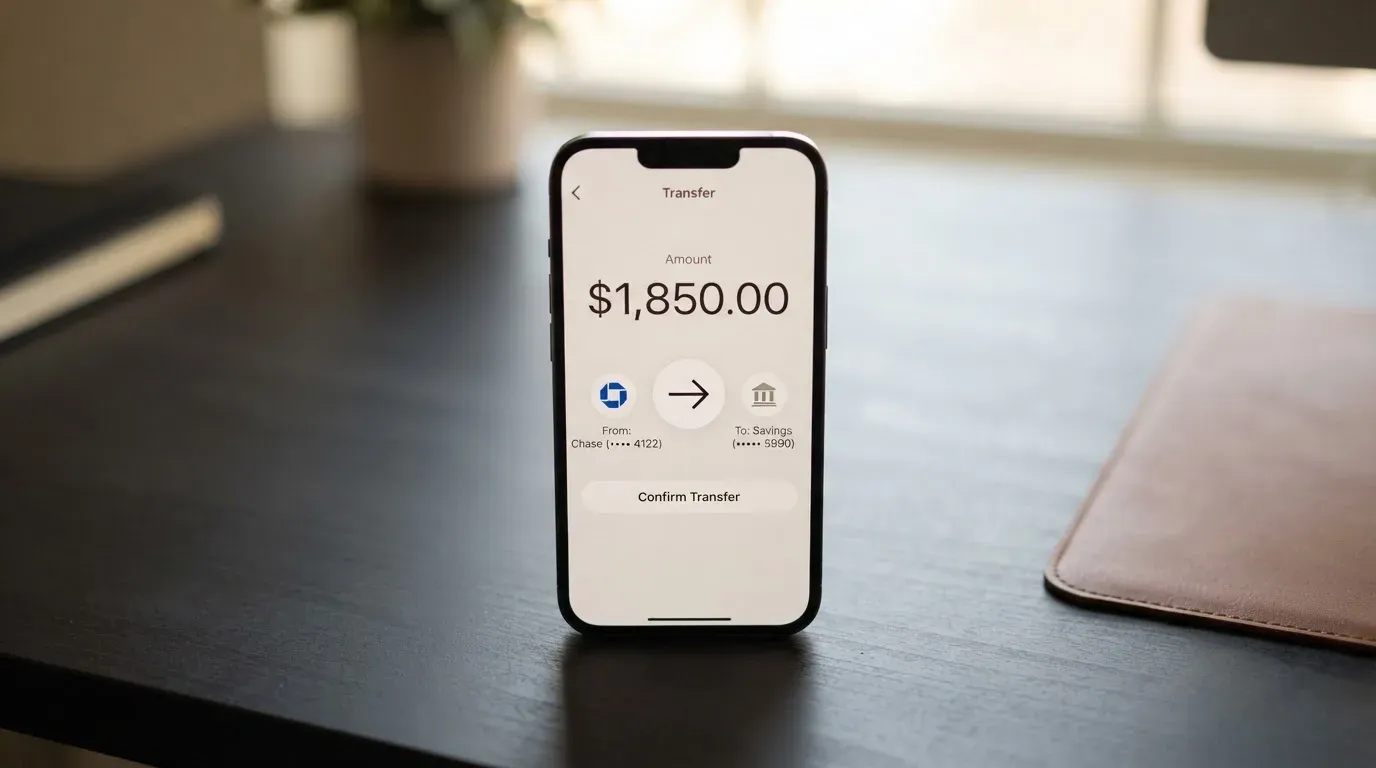
The help-centre article dated 12 August 2026, written for Australia, gives the practical version. Crypto deposits from inside Wayex are free from Wayex, network and gas fees apply, AUD deposits carry a zero fee, and there is no published limit on deposits. The site doesn’t state a global minimum top-up, and the help-centre article notes that Wayex “may withhold withdrawals pending further investigation”, with no published rule on balance return after account closure. The fiat cash-out side, in the same help-centre, runs 0.40% down to 0.00% by 30-day volume for crypto-to-bank, zero fee for AUD cash-out, and an AUD 100,000 per cash-out ceiling with a AUD 10 minimum.
Three points to keep in mind before your first deposit. First, the network matters: the page lists ten-plus blockchains but doesn’t name them, and a deposit on the wrong network is one of the most common ways to lose money in this category. Second, gas is paid in the network’s native asset, so a USDC wallet with no ETH cannot send USDC on Ethereum. Third, stablecoin transfers are generally irreversible, so a typo in the address or the network usually ends with a manual recovery request that the company isn’t obliged to grant. The terms permit Wayex to withhold withdrawals pending further investigation, which is broad.
Paying with it every day
In practice, Wayex is a prepaid Visa that holds your USDB balance. The card works wherever Visa is accepted, including online checkout, in-store tap, and tokenised mobile wallets. Apple Pay and Google Pay are supported, which is the most useful detail on the daily-use page, because tokenisation replaces the card number with a device-specific account number stored in the Secure Element and authenticated with a one-time dynamic code at each payment. That removes most of the practical risk of paying at a card-skimming terminal, and it means you can leave the physical card at home.
The app is the control surface. The public pages talk about “Instant controls & alerts” on the card and 24/7 monitoring, but the specifics of two-factor authentication, freeze and un-freeze, and per-merchant spending limits are not published. Dispute handling is the second gap: the FAQ lists a question called “What if I have a problem with a transaction” but doesn’t answer it on the page, and the published complaint policy says the company acknowledges a complaint within three business days and aims to resolve it within 30 business days, with binding arbitration in Panama City in English. There are no published chargeback time frames. The blocked-merchant list (gambling, adult content, crypto, and the rest) is also not published, so if your spending pattern includes any borderline category, ask.
The day-to-day reality for a USD-based digital user looks like this: you keep a USDB balance, you top up from a stablecoin or a fiat rail, you tap to pay or pay online, and the merchant sees a Visa charge in its local currency. The card never goes below zero, because the balance is prepaid. If a transaction is declined, the app will tell you, and an authorisation hold can sit on the balance for several days in some cases.
What can go wrong
The product has structural risks that come with the category, plus a few that are specific to Wayex’s setup.
Program-level risk. The card is issued by Lead Bank under a Visa U.S.A. Inc. licence, and Bridge Ventures LLC is the program manager. Wayex itself is the “platform provider” and “not a bank”. In practice that means the network rules and the issuer’s banking licence carry the card, not Wayex’s balance sheet, and Visa can suspend a programme the way it suspended WaveCrest in 2018 and terminated its global agreements with FTX in November 2022. The terms allow Wayex to withhold withdrawals pending further investigation, with no published time limit, and the public pages don’t describe a balance-return process after closure.
Custodial and counterparty risk. The marketing page mentions “transparent custody, and optional self-custody”, but the day-to-day flow keeps your USDB inside Wayex. That is a custodial wallet, and the history of custodial platforms in this category includes Mt. Gox, Coincheck and the Ronin Network hack. If you keep a large balance, you are trusting the issuer, the program manager and any sub-custodians they use. The help centre doesn’t publish safeguarding details.
Country and sanctions risk. If your citizenship, residence, or location puts you on a UN, FATF, EU or US (OFAC) sanctions list, the terms bar you outright. Some users reported account verification blocks and slow payments in the Trustpilot reviews, with themes of account blocks without explanation, delayed account closure and small payments that took more than a week to clear. None of that proves systemic problems, but it does mean a customer service path that doesn’t always move quickly.
Stablecoin risk. The card spends from a USDB balance, which is meant to track USD 1:1, and tops up from DAI, USDT, USDC and PYUSD. “Stablecoin” is a brand promise, not a guarantee. The two largest stablecoins, USDT and USDC, account for about 90% of the stablecoin market by capitalisation, and both have depegged at points: USDC briefly lost its peg in March 2023 during the US banking crisis, and TerraUSD collapsed in May 2022. A short depeg during a card top-up can mean fewer dollars on the card than you expected.
Network and operational risk. Crypto deposits travel over blockchains, and the card provider may not list which ones. A deposit on the wrong network, or to an address of a network the card doesn’t support, can be lost or need a manual recovery request with no guarantee of return. On the card-payment side, declines and holds are part of life with a prepaid product, and an authorisation hold can stay on the balance for up to about a week.
Tax risk. If you fund the card from crypto, the IRS treats digital assets as property, so each top-up is a taxable disposal measured at fair market value in your local currency on the date of the transaction. The card doesn’t handle that for you. Other tax authorities apply their own rules; the general principle is the same.
What to take instead
Wayex is a stablecoin-funded digital Visa with USDB at its core. The three alternatives below take a different shape, and the table scores are mine, not theirs. Use them as a map, not as a buying guide.
| Card | Best for | Trade-off |
|---|---|---|
| Whop Cards (5.2/10) | US-based consumers and businesses in 31 / 41 US states, with 5% cashback at select merchants (currently Uber) | Heavy US-only footprint, long unsupported-country list, no published conversion or FX fees |
| Stella (6.5/10) | People who want a virtual or physical Visa from a custodial in-app wallet, with auto top-up from deposited crypto | Fees “described under this User Agreement and/or on the App”, no card cashback published on the official card page |
| UniFi Card (4.7/10) | US-style spending from a USD balance held at Lead Bank, with Apple Pay and “3% rewards on balances” claimed in the listing | Limits and fees not published on official pages, send-money coverage uneven (USDC on the wallet side, ACH/wire/SEPA/SPEI for receiving) |
If Wayex’s missing ATM and FX numbers are deal-breakers, look at the help-centre articles for each alternative and the issuer country behind the card. A card issued in a country different from your billing address can look foreign to a merchant’s BIN lookup, and that sometimes ends in a decline.
Who I would recommend it to
If you sit on DAI, USDT, USDC or PYUSD, want a free digital Visa to spend that balance, and are happy to live inside Apple Pay or Google Pay rather than carry plastic, Wayex is a clean fit. The fee picture in USD is genuinely zero, the account is free, and the top-up options cover the four stablecoins most people actually hold. The yield programmes, if they land, are a nice extra for the idle balance.
If you travel in non-USD currencies, want a physical card, withdraw cash, or need a published list of blocked categories and per-day limits, treat Wayex as a starting point rather than a finished answer. Email [email protected] and ask for the global Visa card’s fee schedule, ATM policy, blocked MCCs and physical card pricing. If the answers come back vague, or the help-centre articles only describe the Australian product, take that as the signal it is. The card is best for the case the company has actually documented, and the documentation is strongest in USD, digital, with a stablecoin balance you already control.
Frequently asked questions
What is the Wayex card?
The Wayex card is a Visa Debit (prepaid debit card) that spends from a USDB stablecoin balance. The digital card is free, the physical card is “where supported”, and the card is issued by Lead Bank as a Visa debit programme, with Bridge Ventures LLC as the program manager.
How does the Wayex card work?
You fund a USDB balance (a 1:1 USD-pegged token) from a stablecoin such as DAI, USDT, USDC or PYUSD, or from a fiat top-up where supported, and the card spends that balance at any merchant that takes Visa. The card is prepaid, so it cannot overdraw, and it works with Apple Pay and Google Pay as well as the physical card.
Is Wayex a bank?
No. Wayex is the platform provider, and the public pages state that it is “not a bank”. The card itself is provided via Lead Bank as the issuing partner, and Bridge Ventures LLC is the program manager. Your funds are held inside the program, not at Wayex.
Who owns Wayex?
The published pages don’t name a parent company or a country of registration for Wayex itself. They identify Bridge Ventures LLC as the program manager and Lead Bank as the card issuer under a Visa licence. If you need the corporate structure behind the brand, ask the company directly.
In which countries is the Wayex card available?
The marketing line is “live in 18+ regions today”, expanding to 100+, and the app is downloadable in 160+ countries. The 18+ regions aren’t named on the public pages, and a third-party tracker (CoinCodeCap) has described the core product as Australia-only at points, with the 160-country app figure presented as an early rollout. The terms bar users located in, or citizens or residents of, UN, FATF, EU and US (OFAC) sanctioned countries and jurisdictions that bar crypto services.
How do I apply for the Wayex card?
You download Wayex on iOS or Android, create an account, complete KYC (the company says as little as 2 minutes, documents not specified), and request a card from inside the app once you’re approved. You must be 18 or older.
Does the Wayex card require KYC?
Yes. The company says the in-app identity check takes as little as 2 minutes, and the pages don’t describe different KYC tiers. The terms also require ongoing sanctions screening, and the company can refuse KYC or withhold withdrawals pending further investigation.
How do I top up the Wayex card?
You can deposit DAI, USDT, USDC or PYUSD across “10+ blockchains” (the specific networks aren’t named on the public pages), or use a fiat on-ramp in USD, EUR, GBP, MXN or BRL where supported. Inside Wayex, crypto deposits carry no Wayex fee, only network and gas fees.
How do I add the Wayex card to Apple Wallet or Google Pay?
The marketing page confirms Apple Pay and Google Pay support. In practice you open the Wayex app, choose the card, and follow the standard wallet add-card flow, which tokenises the card so the real number never leaves the Secure Element on your phone.
Is the Wayex card safe?
The card is issued by a US-regulated bank (Lead Bank) under a Visa licence, and the app offers 24/7 monitoring, encryption and “Instant controls & alerts” on the card. The trade-off is that the balance sits inside a custodial product, the terms permit the company to withhold withdrawals pending further investigation, and the public pages don’t describe the safeguarding or 2FA details. Treat the card as a payment tool, not a savings account, and keep large balances in a wallet you control.
Money-app cards – cryptocardselect
Content created by the «cryptocardselect» team